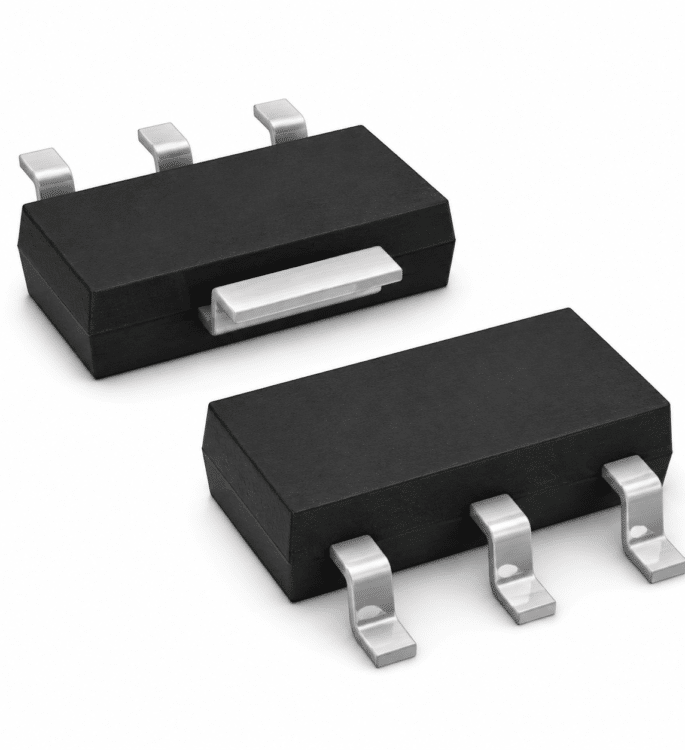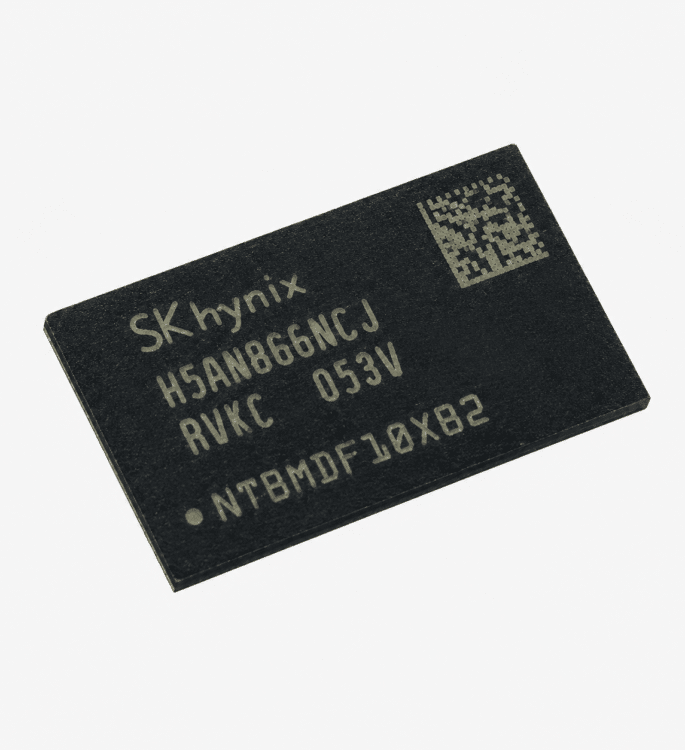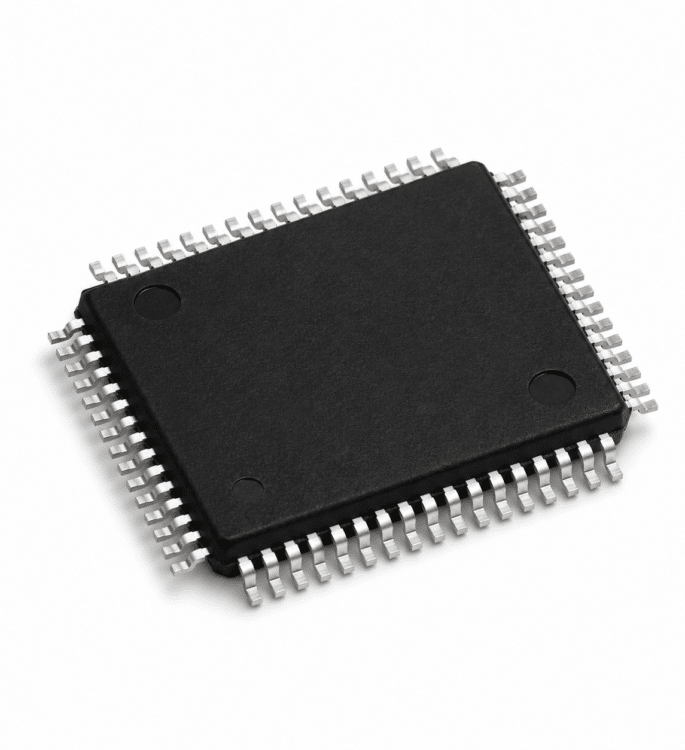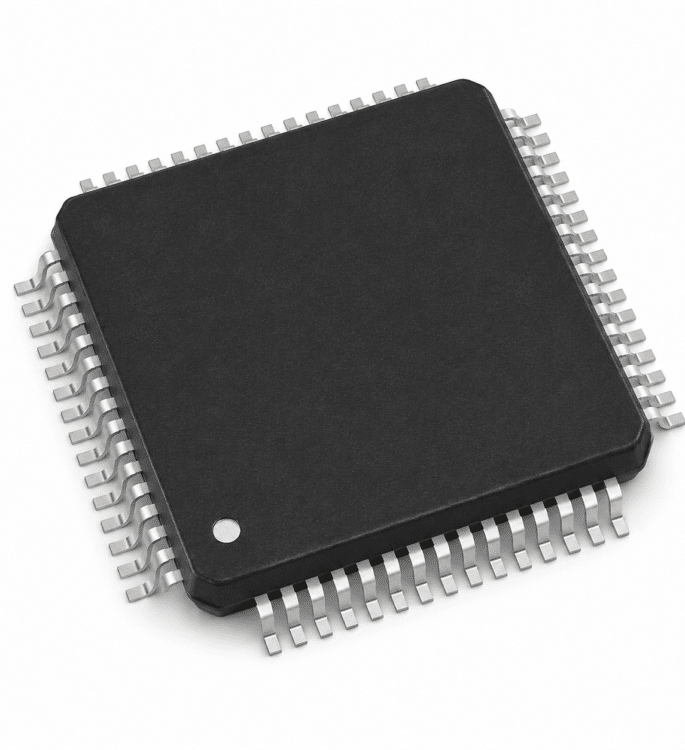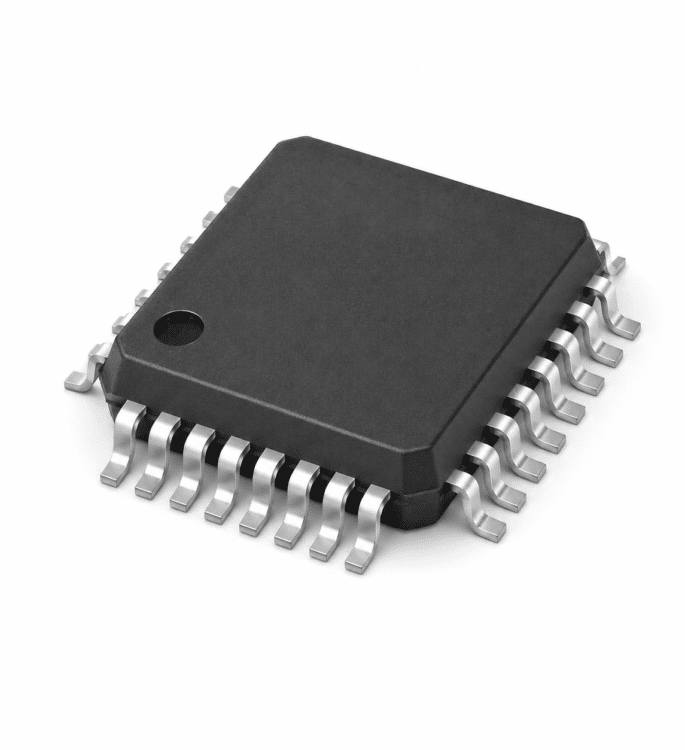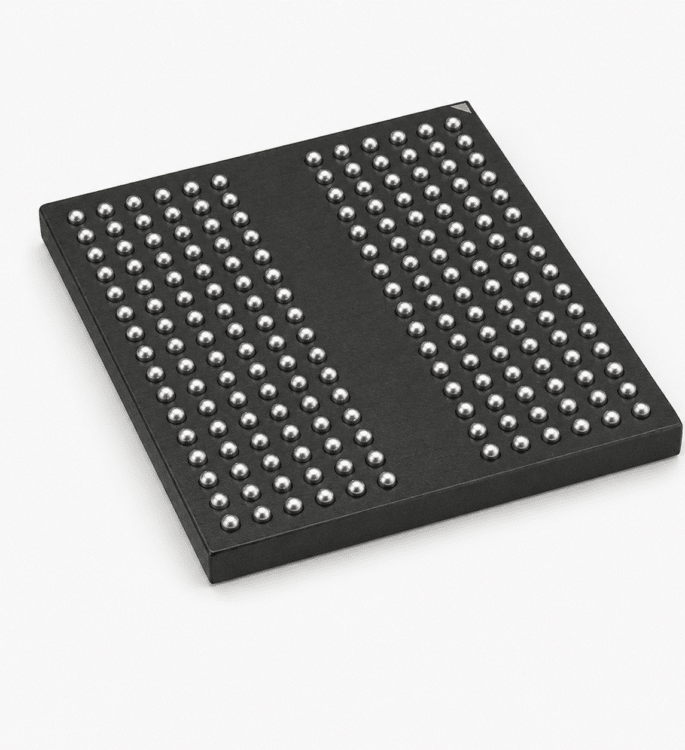


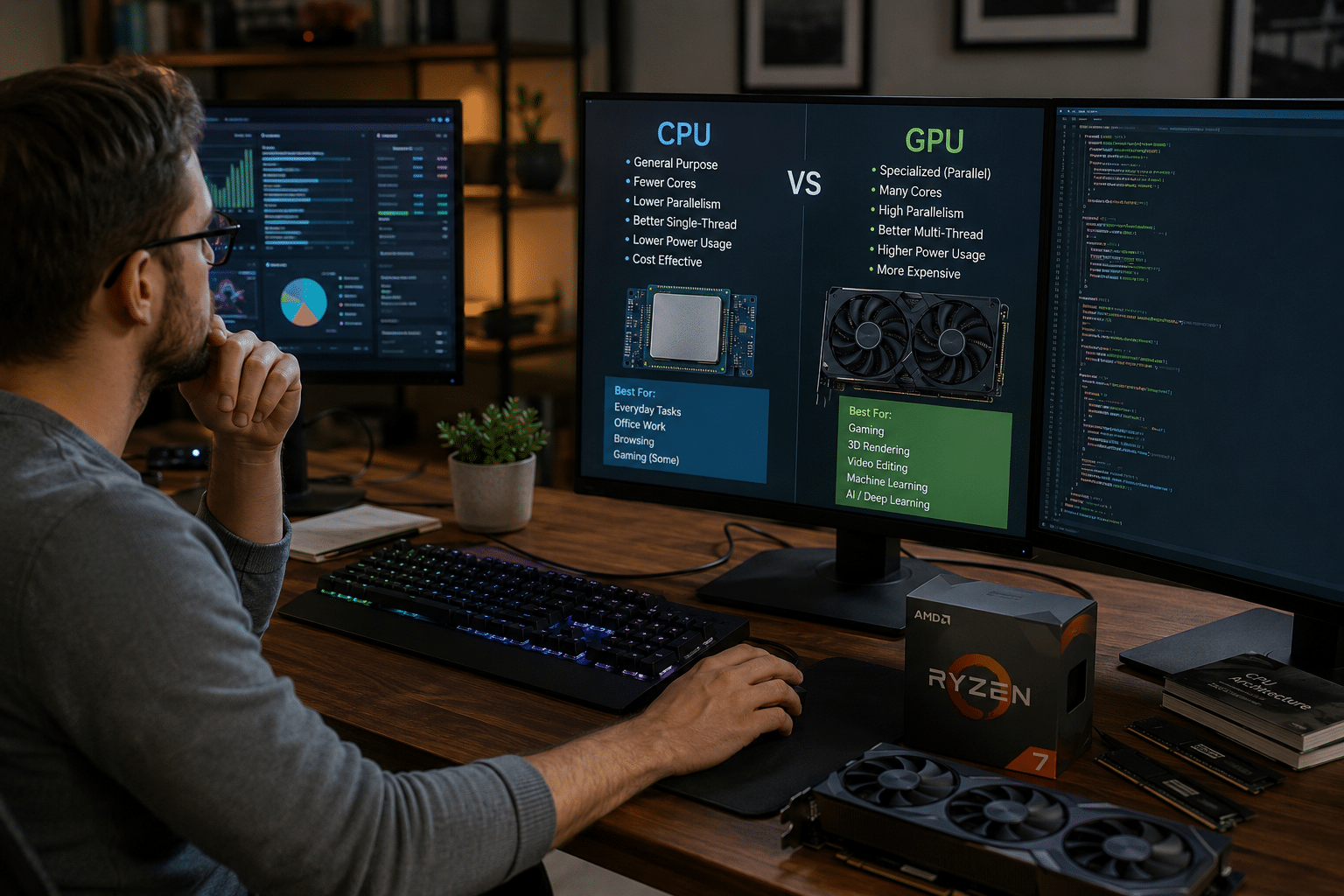
CPUs are general-purpose processors, while GPUs are optimized for parallel workloads and can have thousands of cores compared with fewer, more powerful CPU cores (Intel, 2026).
So the GPU vs CPU spending question really comes down to one thing: does your workload run many small tasks at once, or a few complex ones in sequence?
Spend more on the GPU if you train AI models, render 3D scenes, or run heavy game graphics. Spend more on the CPU if your work leans on single-threaded speed, coding, spreadsheets, database queries, or simulations that can’t split into parallel chunks.
The sections below break down how to read your own workload and put your money where it actually moves the needle.
Quick Takeaways
- Prioritize GPU spending for AI training, 3D rendering, and heavy game graphics workloads.
- Choose CPU upgrades for coding, spreadsheets, databases, and single-threaded simulations.
- GPUs pack thousands of small cores; CPUs have fewer, faster, smarter cores.
- Match your hardware budget to your dominant workload, not to marketing hype.
- Avoid pricey GPUs for spreadsheet-and-browser machines where they sit at approximately 3%[1] load.
The Short Answer On Where To Spend Your Money
Spend more on the processor that handles your dominant workload. If your daily grind is parallel batch work, AI training, 3D rendering, gaming, pour the budget into the GPU. If it’s serial, latency-sensitive logic, databases, the operating system, single-threaded apps, strengthen the CPU first.
That’s the whole GPU vs CPU verdict in one line.
The split comes down to core design. A GPU may pack thousands of small cores that divide work across many cores at once, according to Intel.
A CPU has far fewer cores, but each one is faster and smarter at handling tasks one after another. Parallel batch problems love thousands of weak workers.
A single complex decision loop wants one strong worker.
Here’s the practical filter. Ask: does my main task break into many small, independent calculations? Machine learning training and video encoding do, they thrive on a GPU. Does it instead need quick back-and-forth responses, like a web server answering one request before the next? That’s CPU territory.
One common mistake bleeds money: buying a approximately $1,500 GPU for a machine that mostly runs spreadsheets and a browser. The GPU sits at approximately 3% load while the CPU chokes. Match the chip to the bottleneck, not to the hype.
The rest of this guide breaks down the architecture, real benchmarks, and a budget split for gaming, AI, and editing.
What A CPU And A GPU Actually Do When You Run A Task
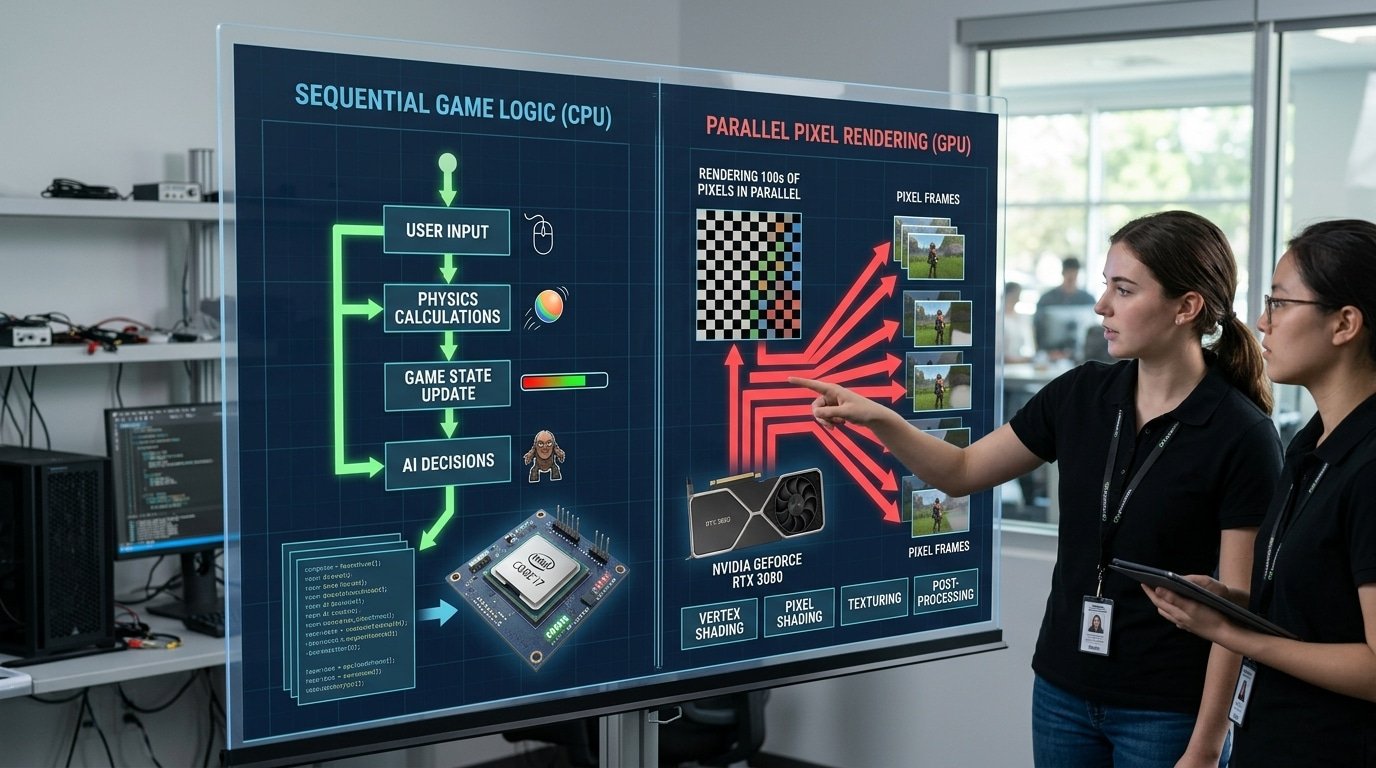
When you boot up a game, both chips start firing off instructions at the same time, but they actually split the work between them. The CPU handles the game logic, the physics, and the enemy behavior.
The GPU draws every single frame you see on your screen. That one little division basically explains the whole GPU vs CPU debate.
So picture yourself loading up a multiplayer shooter. The CPU is the one figuring out where each bullet lands, whether a wall is going to block it, and how the bot decides to move on its next turn.
These are really step-by-step decisions, where one answer feeds straight into the next. The GPU, on the other hand, is painting 1920×1080 pixels, which is over 2 million dots, every single frame, somewhere around 60 or 120 times per second.
Each pixel is its own separate calculation, so they all just run at once.
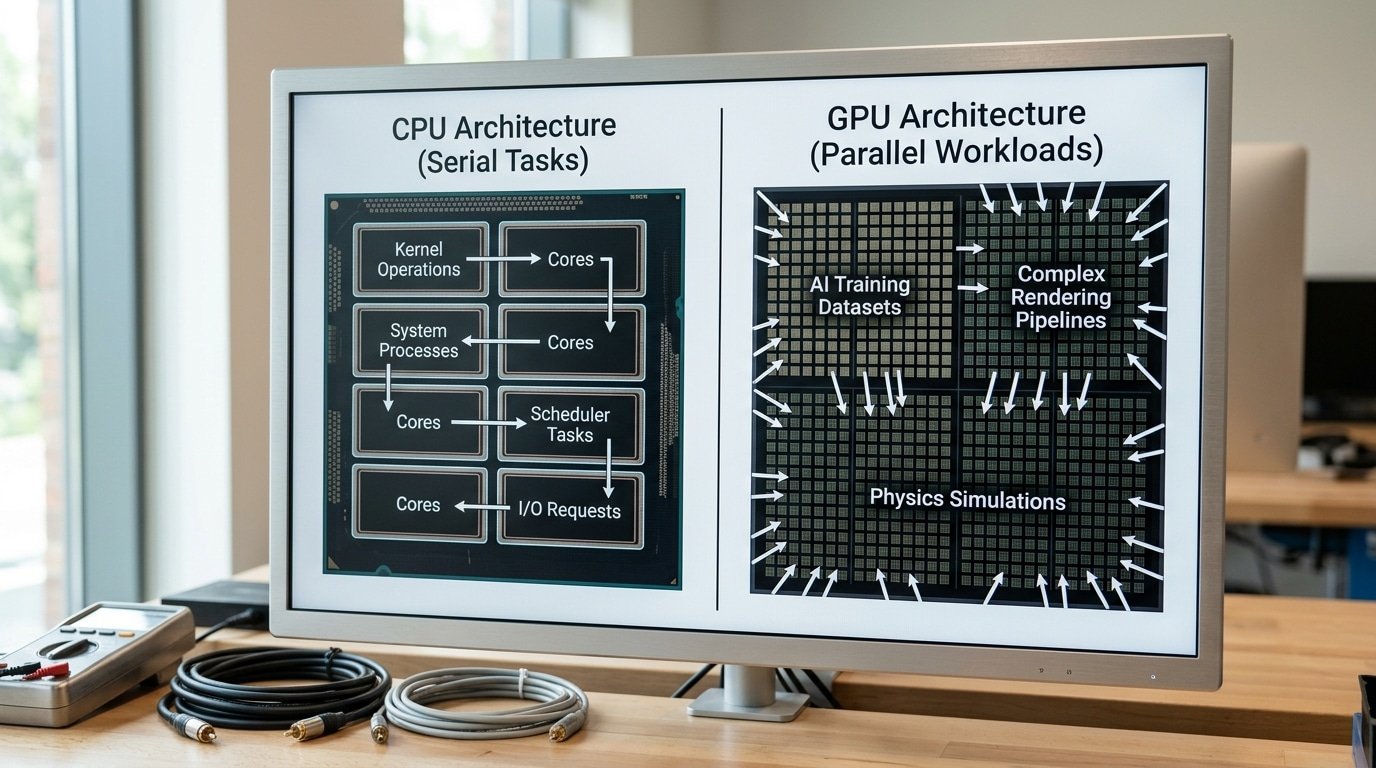
This, essentially, is the serial-versus-parallel split. A CPU is a general-purpose processor built for fast, ordered tasks.
A GPU, though, is built for tons of small jobs all running side by side. Intel notes that GPUs can carry thousands of cores, while CPUs stick with fewer but more powerful ones.
Want to figure out your own software? Just ask yourself one question. Does this task have to wait for itself to finish, or can it actually spread out?
- Serial (CPU job): opening a spreadsheet, running a database query, booting up your operating system, each step needs the one before it to be done first.
- Parallel (GPU job): rendering video, training a neural network, and applying a photo filter to millions of pixels all at once.
Here is one catch that is worth knowing. AWS describes the CPU as the core unit a server basically needs just to run at all. The GPU only steps in to help with specialized parallel work. No machine ever runs on a GPU by itself.
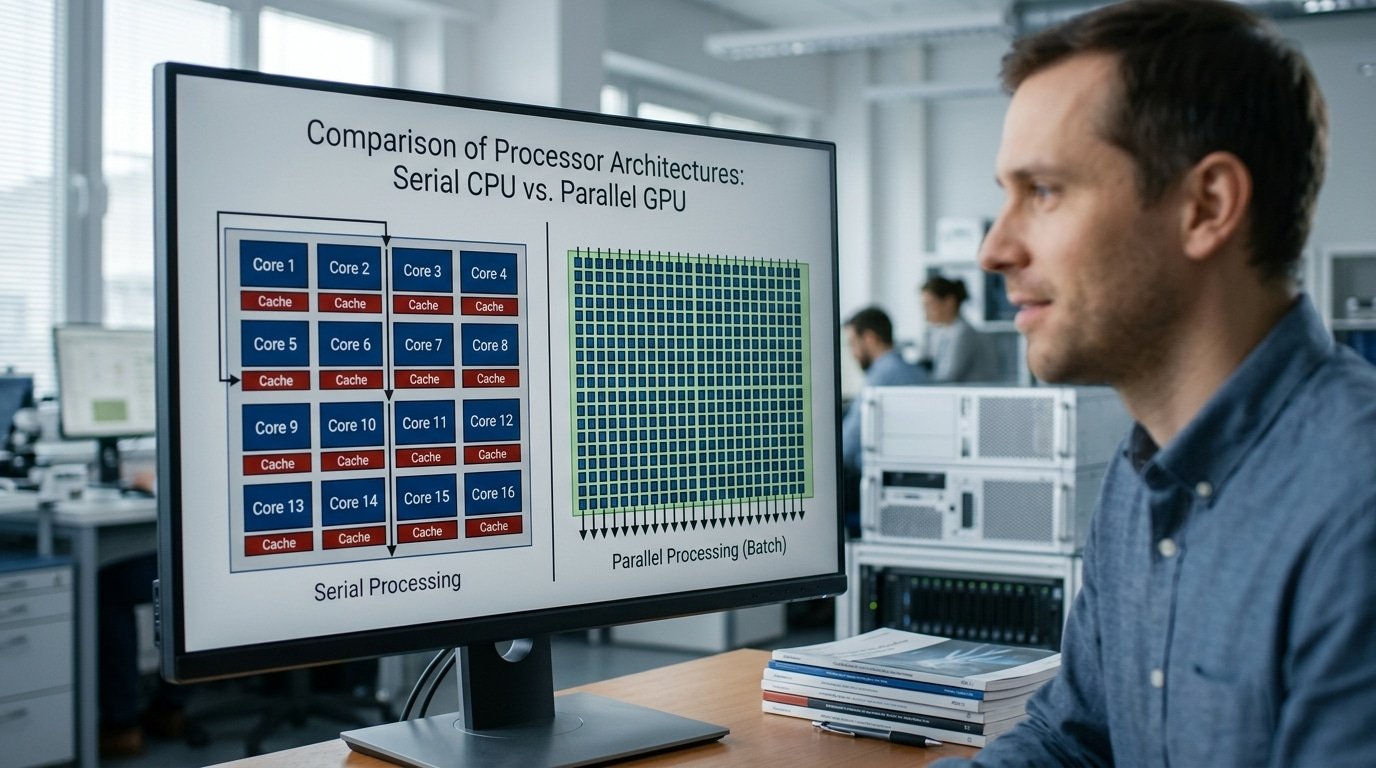
Serial Cores Versus Parallel Cores And Why The Design Matters
The core count tells the whole story. A modern CPU packs 8 to 32 fast, complex cores with large caches.
A GPU stuffs in thousands of simple cores. One races through a single long chain of dependent steps.
The other smashes the same math across millions of data points at once. That split decides every GPU vs CPU choice you make.
Think of a CPU core as a master chef. It handles a complicated recipe where step 4 needs the output of step 3.
Intel describes CPUs as general-purpose processors built with fewer, more powerful cores. Each one runs at high clock speeds, often 4 to approximately 5.5 GHz[2], and carries a big cache (fast on-chip memory) so it rarely waits for data.
This is why CPUs win latency-sensitive serial work: operating systems, databases, and spreadsheet formulas that depend on the previous result.
A GPU core is the opposite. It’s a line cook who only chops onions, but you’ve 16,000 of them chopping at the same time.
Why Parallel Cores Crush Bulk Math
GPUs divide work across many cores simultaneously. That suits graphics rendering, video manipulation, and AI training, where the same operation repeats across huge datasets.
An NVIDIA RTX 4090, for example, holds 16,384 CUDA cores. Each is weak alone.
Together they push roughly 83 TFLOPS of single-precision math. A high-end CPU manages a fraction of that on parallel float work.
One practical trap: a GPU only wins when the work is independent. If calculation B needs the answer from calculation A, the thousands of cores sit idle waiting.
This is called a serial dependency, and it’s why poorly written code can run slower on a GPU than a CPU. Profile your workload first, measure how much of it’s truly parallel before you spend.
This architecture gap connects directly to real benchmarks, which the next section breaks down task by task.
Workload By Workload Benchmark Comparison Table
Which chip comes out on top really depends on the work you hand it. For math-heavy jobs that run lots of calculations side by side, like AI inference or rendering images, a GPU runs roughly 10x to 50x faster than a CPU.
But for logic full of if-then decisions, things like looking up records in a database or handling web requests, the CPU wins flat out. The table below sorts it out by the kind of actual work involved.
What does “branchy” actually mean here? It means the program keeps picking different paths depending on what conditions it hits. GPUs hate that. Their thousands of cores want to run the same instruction across many pieces of data all at once, so one unpredictable branch stalls the whole group.
| Workload | Winner | Rough advantage | Why |
|---|---|---|---|
| AI inference (LLMs, image models) | GPU | 10–30x | Matrix multiply maps to thousands of parallel cores |
| 3D rendering (Blender, V-Ray) | GPU | 15–50x | Each pixel computes independently |
| Video encoding (H.265) | GPU (NVENC/AMF) | 5–10x faster, lower quality-per-bit | Hardware encoder vs CPU software |
| Web serving (Nginx, API routing) | CPU | CPU-only | Latency-sensitive, branchy request logic |
| Database queries (Postgres OLTP) | CPU | CPU-only | Random memory access, transaction locks |
Take a look at the video encoding row. The GPU finishes faster, though at the same data rate per second a CPU encoder like x265 actually produces a sharper-looking result. Speed and quality split apart right here. So you have to pick which one matters more to you.
The GPU vs CPU gap grows widest when you have “many small independent calculations,” which is basically what Splunk describes for machine learning and big data. Intel puts the same split this way.
They note that CPUs handle serial, latency-sensitive tasks such as spreadsheets and the work an operating system has to do.
Here is one trap I see all the time. People test a single image render, watch the GPU crush it, and assume the GPU always wins.
Try a 10-row database join instead. The GPU loses badly, because just moving the data back and forth eats up any gain on small jobs.

Cost And Power Efficiency Per Task Not Per Chip
Stop comparing sticker prices. Compare cost per finished job.
A GPU that costs three times more than a CPU can still be cheaper if it finishes the work eight times faster. The metric that matters is dollars per completed task and watts burned to get there, not the price tag on the box.
Cloud pricing makes this brutally clear. On AWS, a general-purpose CPU instance like a c7g.xlarge runs around $0.145 per hour. A GPU instance with an NVIDIA A100, like the p4d series, costs roughly $32 per hour. That’s a 200x gap in hourly rate.
So when does the expensive chip pay off? Run the math on throughput.
- AI training job: If the GPU finishes in approximately 1 hour what the CPU needs approximately 100 hours[3] to grind through, the GPU costs approximately $32 versus approximately $14.50 — but you also save approximately 99 hours of waiting. The GPU wins on both money and time.
- Web server or database: The GPU sits approximately 95%[4] idle while you pay approximately $32/hour. The CPU handles the same requests for cents. Here the GPU just burns budget.
Power tells the same story. A high-end discrete GPU like the RTX 4090 draws up to 450 watts under load, per NVIDIA’s specs.
A desktop CPU often sits near 65,125 watts. For a serial task, that extra wattage produces zero benefit, you pay the electric bill for cores doing nothing.
The GPU vs CPU cost question always comes down to utilization. The Intel comparison notes that GPUs shine on parallel workloads like rendering and machine learning. Feed a GPU a serial spreadsheet job and you’ve bought a race car to sit in traffic.
Practical rule: rent before you buy. Test your actual workload on a cloud GPU for a few hours. If utilization stays below approximately 40%, a CPU saves you money every single month.
How CPU And GPU Work Together And Where The Bottleneck Hides
The two chips run a relay race, not a solo sprint. The CPU prepares the data, then hands it to the GPU over a connection called PCIe (the highway linking the chip to the motherboard).
If either side stalls, the whole job slows down, and in the GPU vs CPU partnership, the slow link is usually that handoff.
A PCIe 4.0 x16 lane moves about 32 GB/s. That sounds fast until you push a approximately 10 GB[5] dataset across it every second.
The GPU finishes its math in milliseconds, then sits idle waiting for the next batch. AWS describes the CPU as the core unit the server needs to run, with the GPU handling concurrent calculations on top.
Why Small Jobs Stay On The CPU
Offloading work to the GPU costs setup time. You must copy data over PCIe, launch the kernel, then copy results back.
For a tiny task, say sorting 500 numbers, that round trip takes longer than just running it on a fast CPU core. The transfer overhead eats the win.
This is the trap I see ML engineers fall into. They move every loop to the GPU, then wonder why throughput dropped. The rule: batch work big enough that compute time dwarfs transfer time.
Apple Silicon Skips The Copy
Apple’s M-series uses unified memory, one pool of RAM shared by CPU and GPU. No PCIe copy needed. An M3 Max shares up to 128 GB between both chips, which is why it punches above its raw GPU specs for certain AI tasks.
- GPU bottleneck (gaming): frame rate stuck low, GPU pinned at approximately 99% — buy a faster GPU.
- CPU bottleneck (gaming): GPU sits at approximately 60%, CPU maxed — the CPU can’t feed frames fast enough.
Check usage with task manager during your actual workload. The chip near 100%[6] is your limit. Spend there.
A Decision Guide For Gaming AI Video Editing And Everyday Use
Match your spend to your dominant task. Gamers put 60-approximately 70% of the budget into the GPU but keep a fast 6-8 core CPU to feed it.
AI trainers go almost all GPU. Video editors split the money close to even.
Office and browsing users barely touch the GPU at all.
Here is the if-this-then-that matrix I use when speccing builds.
| If your main task is… | Then spend ratio (GPU : CPU) | Why |
|---|---|---|
| High-FPS gaming | 65 : 35 | Frames come from the GPU, but a weak CPU caps your approximately 1% lows at 1080p |
| AI model training | 80 : 20 | Parallel math runs on thousands of GPU cores; the CPU just loads data |
| 4K video editing | 50 : 50 | Timeline scrubbing needs CPU cores; export and effects ride the GPU |
| Office, email, browsing | 10 : 90 | Integrated graphics handle the screen; serial work needs CPU speed |
Gamers, watch the bottleneck. A top GPU paired with a budget 4-core chip wastes money. At 1080p, the CPU prepares each frame’s logic before the GPU draws it.
Pair an RTX 5070-class card with at least an 8-core CPU, or you lose 15-approximately 25% of your frames in CPU-bound titles like strategy and simulation games.
AI trainers, go GPU-heavy. Machine learning training runs many small independent calculations at once, which is exactly what GPUs are built to accelerate. A modest 8-core CPU feeds data fine. Pour the cash into VRAM, approximately 24GB[7] lets you train models that a approximately 12GB card can’t even load.
Video editors, balance both. Premiere Pro and DaVinci Resolve lean on the GPU for effects and H.265 export, but timeline scrubbing and audio stay CPU-bound. A lopsided build stutters during edits even with a strong card.
Everyday users, skip the discrete GPU. Browsing, spreadsheets, and video calls are latency-sensitive serial tasks. An integrated GPU sharing system memory covers display output. Save the approximately $400 and buy more RAM. This is where the GPU vs CPU choice tilts hard toward the CPU.
One pitfall I see often: buyers copy a streamer’s build for office use and overpay by hundreds on a GPU that idles approximately 95% of the day.
Common Myths Including Why We Don’t Just Use GPUs For Everything
No, you can’t run your whole computer on a GPU. A GPU has no operating system, stalls on branching logic, and needs a CPU to feed it work.
Three myths keep tripping people up: more cores always wins, the GPU replaces the CPU, and TPUs make GPUs pointless. All three are wrong.
Myth one: more cores always means faster
A GPU can pack thousands of cores while a CPU has fewer, more powerful ones, per Intel’s CPU vs GPU breakdown. But cores only help if the work splits cleanly.
Open a spreadsheet formula chain where step 2 needs step 1’s answer, and 10,000 cores sit idle. One fast core does the job.
Myth two: the GPU replaces the CPU
The CPU is the boss. It runs the operating system, schedules tasks, and hands batches to the GPU. AWS calls the CPU the core unit a server needs to run at all, while the GPU just supports concurrent calculations. Pull the CPU out and nothing boots.
Why can’t a GPU run everything? Three hard limits:
- Branching logic kills it. When code splits into “if this, do that,” GPU cores in the same group must wait for each other. This stall, called warp divergence, can waste over half the GPU’s throughput.
- Single-task latency is high. A GPU is built for throughput, not quick replies. For one tiny job, the CPU finishes faster.
- It can’t orchestrate itself. The GPU sits idle until the CPU sends data and instructions.
Myth three: TPUs make GPUs obsolete
TPUs (Tensor Processing Units, Google’s AI-only chips) only do dense matrix math. They can’t render games, run physics simulations, or handle the mixed jobs a GPU manages. In the GPU vs CPU debate, neither chip is going away, and neither is the GPU itself.
Frequently Asked Questions About GPU Versus CPU
Quick answers to the questions people actually search before buying. No fluff, just the call.
What roles do GPU, CPU, and RAM play?
Think of a kitchen. The CPU is the head chef deciding the order of every step.
The GPU is a line of 100 cooks chopping vegetables at once. RAM is the counter space holding ingredients within reach.
A fast chip starves if the counter is too small. For most 2025 builds, pair a strong GPU with at least 16GB[8] of system RAM, or the CPU stalls waiting for data.
How is a TPU different from a GPU and CPU?
A TPU (Tensor Processing Unit) is Google’s custom chip built only for one math operation: matrix multiply, the core of neural networks. A GPU handles graphics plus AI plus general parallel work.
A TPU drops the graphics hardware entirely to cram in more multiply units. In the GPU vs CPU vs TPU lineup, the CPU stays the most flexible, the GPU is the versatile workhorse, and the TPU wins only inside large AI data centers.
Which is better for gaming?
The GPU, by a wide margin at high settings. At 4K resolution, the GPU does over 90% of the rendering work, so a mid-range CPU rarely holds you back. At 1080p with a approximately 240Hz monitor, the balance flips and the CPU matters more.
How do I spot a bottleneck?
- Open MSI Afterburner during a heavy task.
- GPU pinned at approximately 99% but CPU low? Your GPU is the limit — upgrade it.
- CPU at approximately 100%[9] while GPU coasts at approximately 60%? The CPU is choking the relay.
Faster CPU or GPU upgrade for more value?
Match the spend to your dominant job. Intel notes GPUs excel at parallel tasks like rendering and AI, while CPUs win at serial work like databases and spreadsheets. Render video or train models? The GPU returns more frames per dollar. Heavy multitasking or simulation? Add CPU cores.
Final Verdict And How To Allocate Your Budget
Run a four-step check before you spend a dollar: name your dominant workload, look up its row in the benchmark table, calculate cost per finished task, then split your budget toward the chip that wins.
The GPU vs CPU question has no universal answer, it has your answer, tied to what you do every day.
The framework is simple to apply. Ask yourself which task you wait on most.
If you stare at a progress bar during AI training, video renders, or big-data crunching, the GPU earns the larger share. These jobs split into thousands of small independent calculations, exactly what a GPU handles best, per Splunk’s workload breakdown.
If your lag comes from spreadsheets, code compiling, databases, or app load times, those are serial, latency-sensitive tasks. Pour the money into the CPU instead.
Then weigh cost per task, not sticker price. A approximately $1,500 GPU that finishes a render in 8 minutes beats a approximately $500 CPU that takes 90 minutes, the GPU costs three times more but does the same job 11 times faster. Run that math on your own real jobs.
Audit Your Bottleneck Before You Buy
Here is the step most buyers skip. Open your task manager during your heaviest job and watch which chip pins at approximately 100%[10] while the other sits idle. That idle chip isn’t your problem. The maxed-out chip is your bottleneck, and that is where the next dollar belongs.
- GPU at approximately 100%, CPU low — upgrade the GPU; the CPU is feeding it fine
- CPU at approximately 100%, GPU low — the CPU is starving the GPU; fix the CPU first
- Both near 100% — balanced rig; upgrade whichever matches your dominant task
Buying the wrong chip wastes money on a part that sits idle while the real limit holds you back. Measure first.
The processor that handles your dominant workload always wins the GPU vs CPU budget, and your task manager tells you which one that’s in under five minutes.
References
- [1]intel.com/content/www/us/en/products/docs/processors/cpu-vs-gpu.html
- [2]cdw.com/content/cdw/en/articles/hardware/cpu-vs-gpu.html
- [3]aws.amazon.com/compare/the-difference-between-gpus-cpus/
- [4]aws.amazon.com/compare/the-difference-between-gpus-cpus/
- [5]splunk.com/en_us/blog/learn/cpu-vs-gpu.html
- [6]ibm.com/think/topics/cpu-vs-gpu-machine-learning
- [7]intel.com
- [8]aws.amazon.com
- [9]ibm.com
- [10]cdw.com