

Electronic Component Engineering Tools
Find a calculator for your circuit, estimate component values, and identify the parameters to check before choosing an exact part number.
Find the Right Calculator
Search by device, circuit, or parameter. Each tool opens on its own page with its calculation inputs and results.
Browse by engineering task
555 Timer Frequency & Pulse
Estimate the timing of a repeating pulse or a single-shot delay.
Check the timer variant, tolerances, and output load.
Open toolBJT Base Resistor Sizer
Estimate base drive and resistance for a transistor switching stage.
Check saturation conditions and driver current capability.
Open toolCoaxial Cable Impedance & Loss
Explore cable geometry, characteristic impedance, and attenuation estimates.
Compare estimates with the selected cable's published data.
Open toolCurrent-Sense Shunt Resistor
Relate measured current to sense voltage, resistance, and dissipated power.
Check pulse rating, temperature drift, and sense connections.
Open toolDifferential Pair Impedance
Estimate how paired trace geometry affects differential impedance.
Confirm the finished stackup with your PCB fabricator.
Open toolESD Air & Contact Discharge
Explore simplified discharge parameters and protection considerations.
An estimate does not establish safe clearance or compliance.
Open toolFlyback Transformer Inductance
Estimate primary inductance and current for an initial flyback design.
Check core saturation, losses, insulation, and control limits.
Open toolFR4 vs. Rogers at High Frequency
Explore how substrate properties affect a high-frequency design.
Use the actual laminate grade and its frequency-dependent data.
Open toolDigital Isolator Delay
Review propagation delay and skew within an isolated timing path.
Timing analysis does not verify insulation or safety ratings.
Open tool4–20 mA Sensor Loop
Map a process value to loop current and review the receiver load.
Include transmitter and wiring voltage requirements.
Open toolInverting Op-Amp Resistors
Estimate resistor ratios for an inverting amplifier's target gain.
Verify supply rails, input range, bandwidth, and loading.
Open toolLDO Feedback Divider
Estimate feedback resistors for an adjustable regulator output.
Confirm the device equation, dropout, stability, and heat.
Open toolMicrostrip Line Impedance
Estimate single-ended microstrip impedance from trace and board geometry.
Review model limits, solder mask, and manufacturing tolerance.
Open toolMOSFET Gate Resistor
Explore a starting resistance for the required gate-drive transition.
Account for driver resistance and confirm switching on hardware.
Open toolNon-Inverting Op-Amp Design
Estimate feedback resistance ratios for positive closed-loop gain.
Check common-mode range, output swing, and stability.
Open toolNTC/PTC Thermistor Temperature
Explore resistance and temperature using the model appropriate to the sensor.
An NTC beta equation is not a general model for PTC devices.
Open toolOp-Amp Gain & Bandwidth
Explore the gain-bandwidth relationship for a suitable amplifier model.
Review noise gain, slew rate, and the actual response curves.
Open toolPCB Trace Width & Current
Estimate trace width for a current load under the chosen thermal model.
Review the stackup, nearby copper, vias, and cooling conditions.
Open toolRF Attenuator Pad Resistors
Estimate resistor values for a pi or T attenuator network.
Check resistor power, parasitics, and operating frequency.
Open toolTL431 Shunt Regulator Voltage
Estimate the feedback divider for a TL431-based voltage target.
Check cathode current, reference current, and stability.
Open toolTVS Diode Clamping Voltage
Compare working voltage and transient clamping requirements.
Check clamping at the relevant current and pulse waveform.
Open toolZener Diode Regulator
Estimate series resistance and current for a simple zener regulator.
Review minimum regulation current and worst-case dissipation.
Open toolNo matching tools in this selection
Try a shorter term such as “resistor,” “voltage,” or “PCB,” or clear the category filter. For an exact part number, use component search below.
These tools support preliminary engineering estimates. Review each tool's equations, units, and model limits, then verify the selected device against its datasheet and the actual circuit. A calculation is not a compliance test, availability confirmation, or approval of a substitute part.
Calculate. Verify. Specify.
A useful estimate becomes a purchasing requirement only after the circuit conditions and the exact component are defined.
Start with the Actual Circuit
Use the intended topology, supply range, load, frequency, temperature, and units. Keep nominal values separate from minimum and maximum operating conditions.
Verify More Than One Number
A target value is only a starting point. For an op amp, check input range, output swing, stability, bandwidth, and slew rate alongside the required gain.
TI Precision Labs: op-amp reference (PDF)Keep the Test Conditions Attached
Ratings depend on conditions. For a TVS diode, relate clamping voltage to surge current and waveform; then confirm the exact ordering code, package, and grade.
ST: TVS clamping protection (PDF)Find the Product Direction
Browse by system function when you are still selecting a family. Search the full part number when the design is already defined.
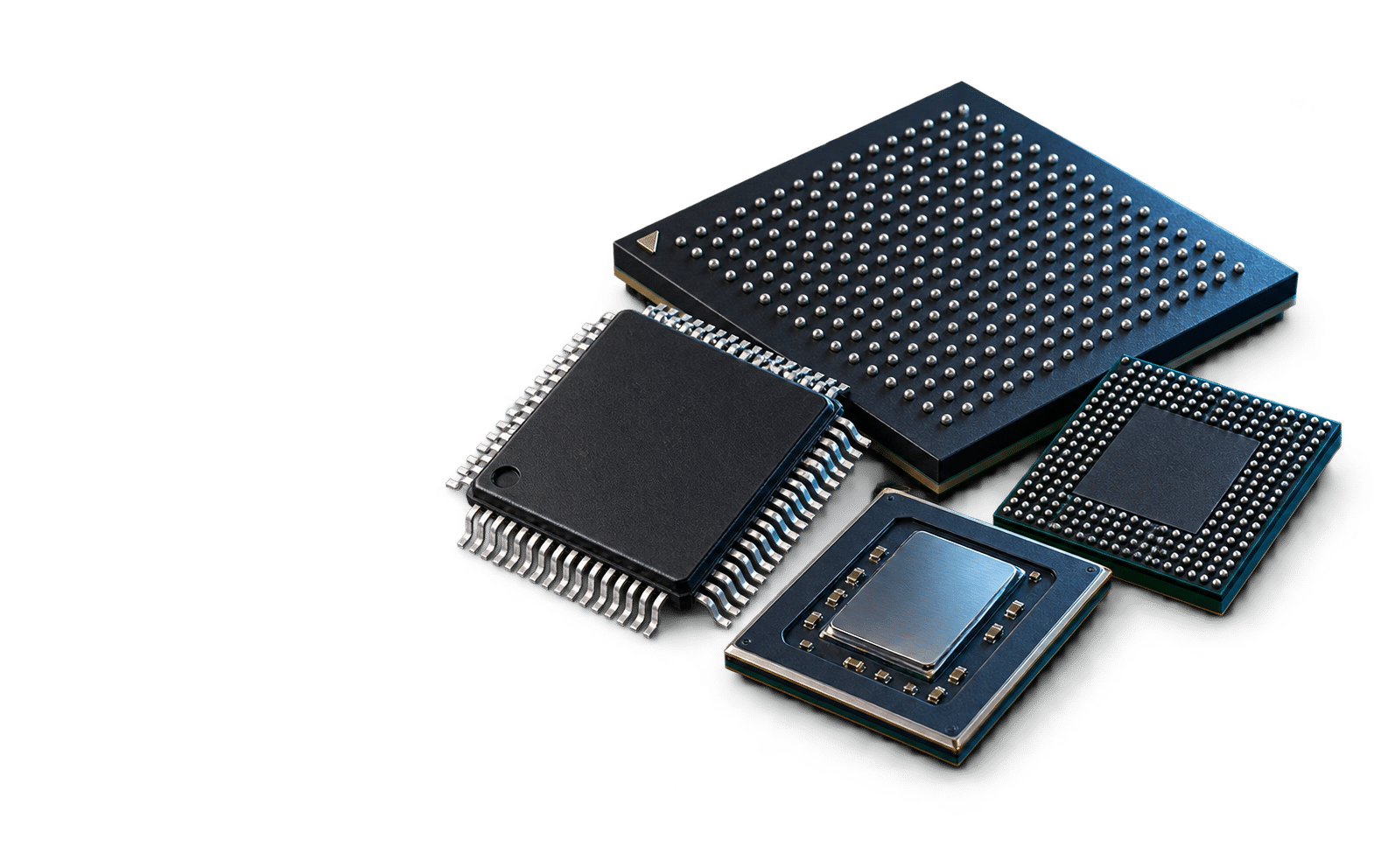
Control & Compute
MCUs, processors, GPUs, and programmable logic.
Explore components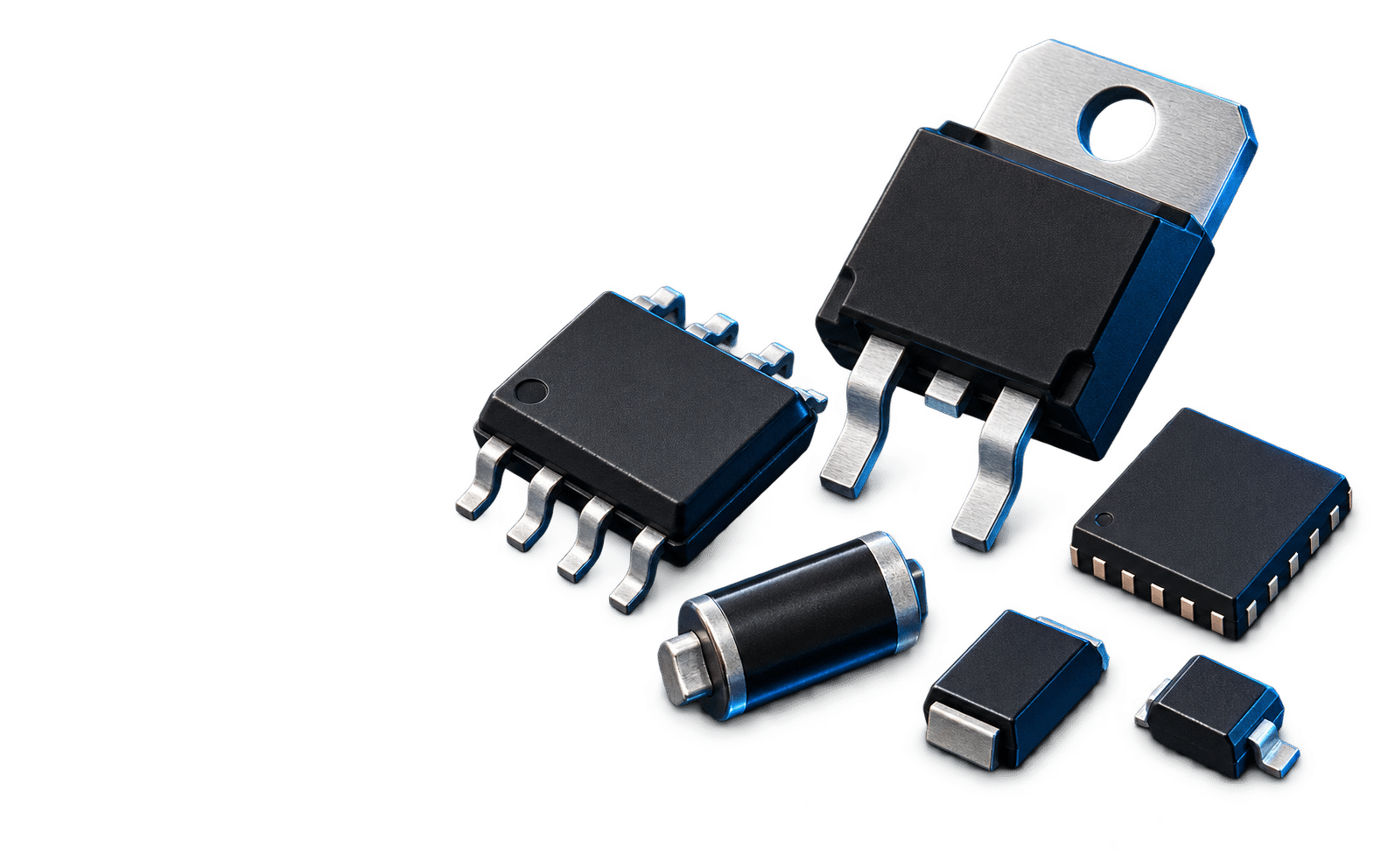
Analog, Power & Protection
Amplifiers, regulators, power devices, and protection.
Explore components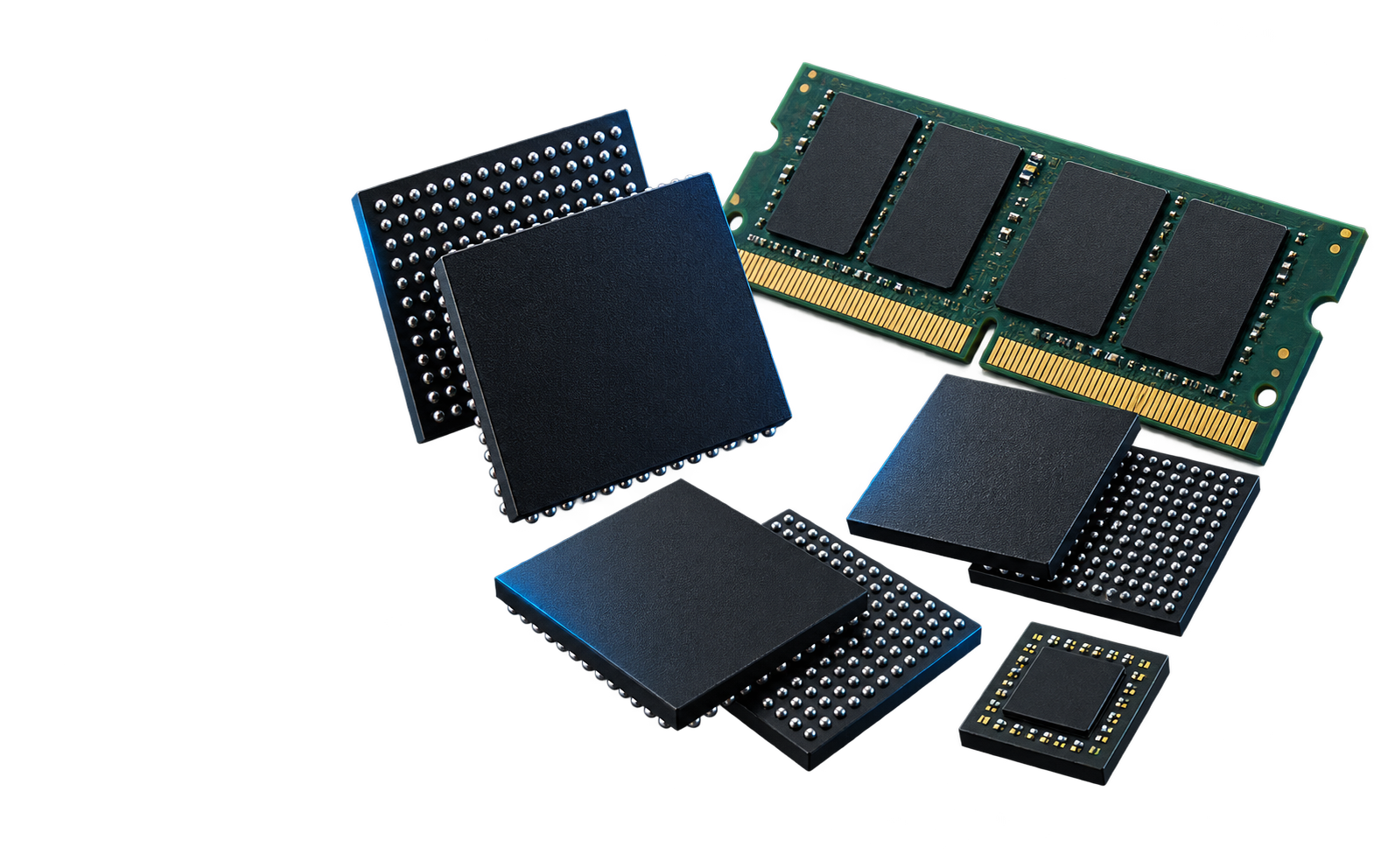
Memory, Flash & Storage
DRAM, flash memory, and storage products.
Explore components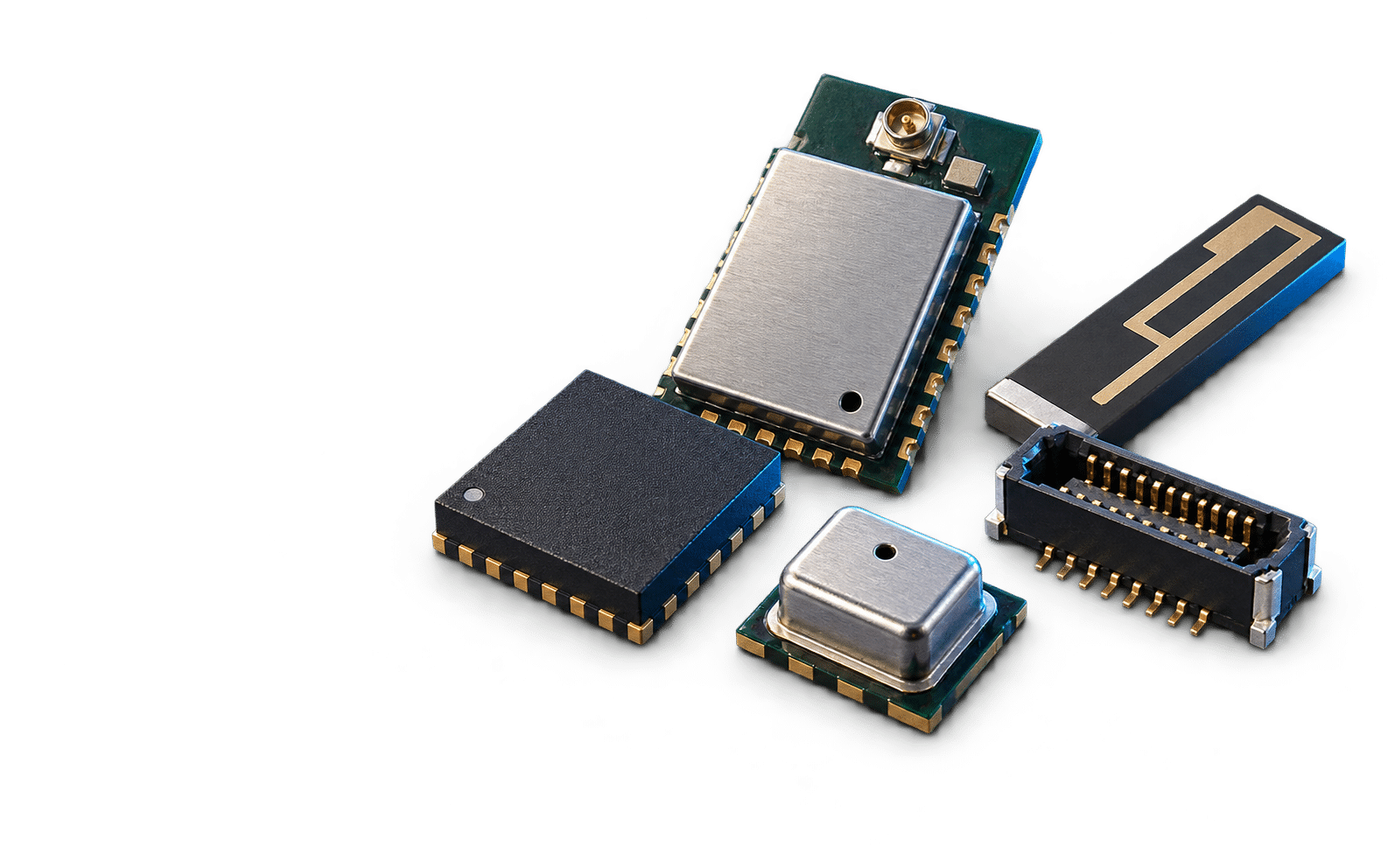
Wireless, RF, Sensors & I/O
Connectivity, sensing, and interface components.
Explore componentsHave an Exact Part Number?
Search YURUNOX by full MPN or manufacturer keyword.
Turn the Design into a Clear RFQ
One Exact Component
Provide the full manufacturer part number, quantity, required date, package, and any restrictions on alternatives.
Part Number SourcingA Multi-Brand BOM
Keep each line's identity, quantity, priority, approved alternatives, and technical notes together for review.
BOM Procurement GuideEvidence Before Release
Define the inspection scope and available records needed for the offered parts before shipment approval.
Inspection EvidenceUsing the Tool Library
Keep engineering estimates, component selection, and purchasing confirmation as separate decisions.
More Purchasing QuestionsWhich search should I use?
Use “Find Tools” to search this directory by circuit or parameter, such as MOSFET, op amp, or impedance. Use “Search Parts” for a full manufacturer part number or product keyword on YURUNOX.
Can a calculator select an exact component for me?
A calculator can help establish a starting value or constraint. The final choice still depends on the device specifications, package, pinout, operating conditions, tolerances, and validation in the intended circuit.
Does a calculated match mean a substitute is compatible?
No. A similar resistance, voltage, gain, or current rating does not prove interchangeability. Review the complete electrical, mechanical, thermal, timing, and qualification requirements with the responsible engineer.
What should I send after using a tool?
Share the selected full part number or candidate family, the key circuit requirements, quantity, target date, and destination. If the design is not finalized, state which parameters are fixed and whether alternatives may be proposed for your engineering review.
Ready to Source the Part?
Send the full MPN or BOM, quantity, required date, and key specifications. YURUNOX can review sourcing options against your actual requirement.