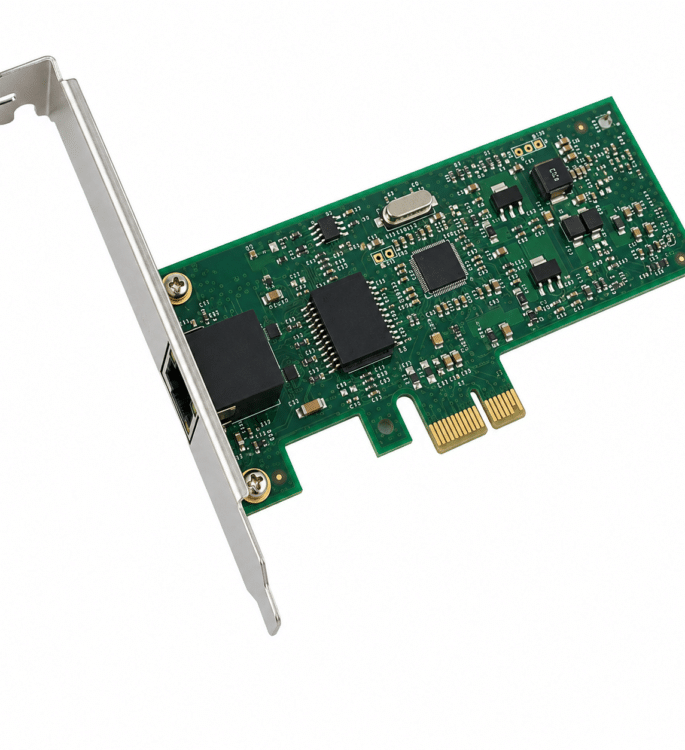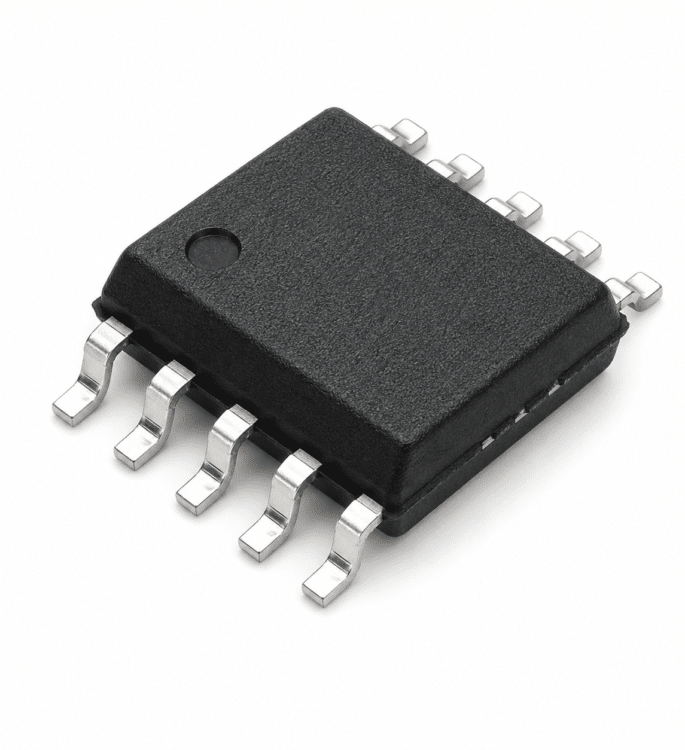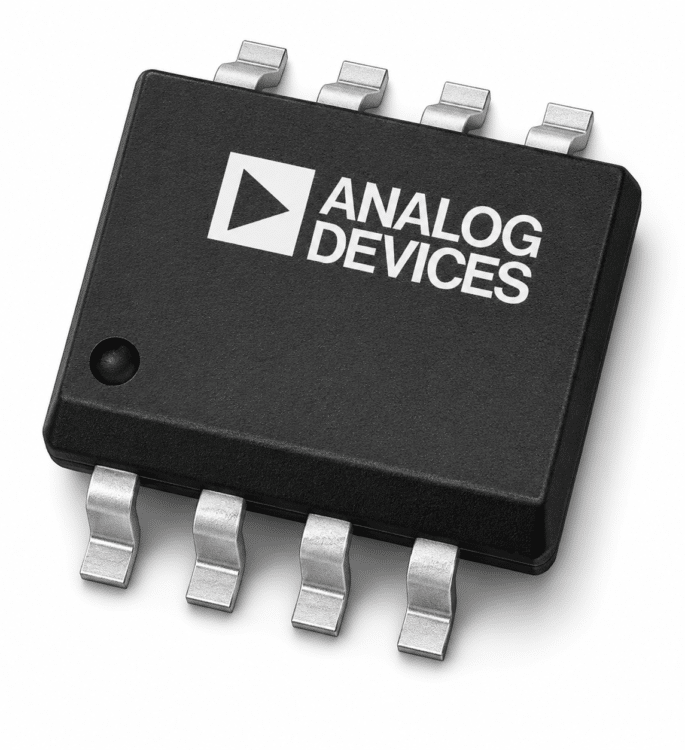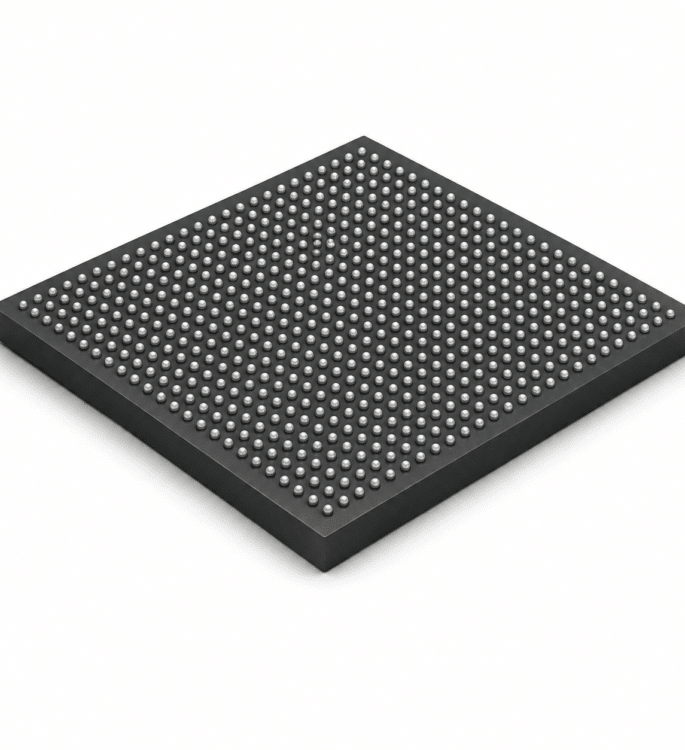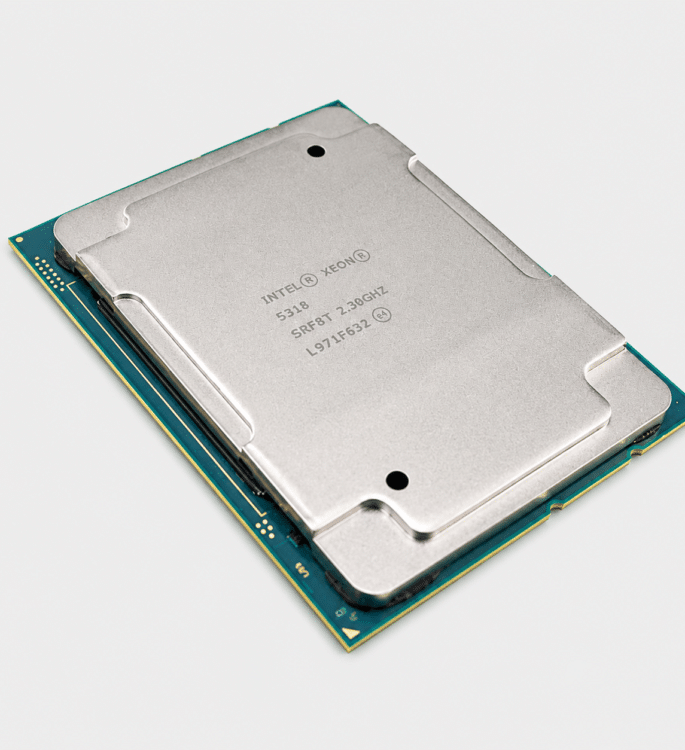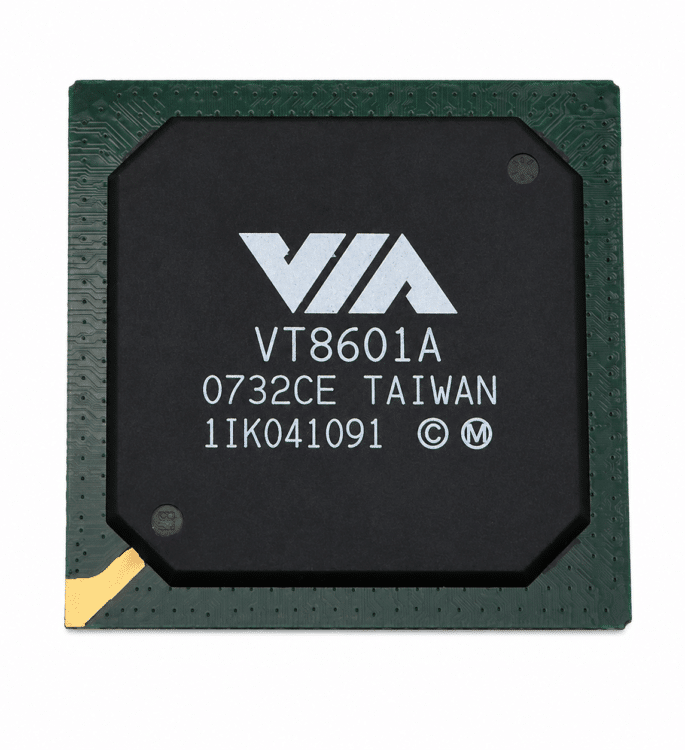


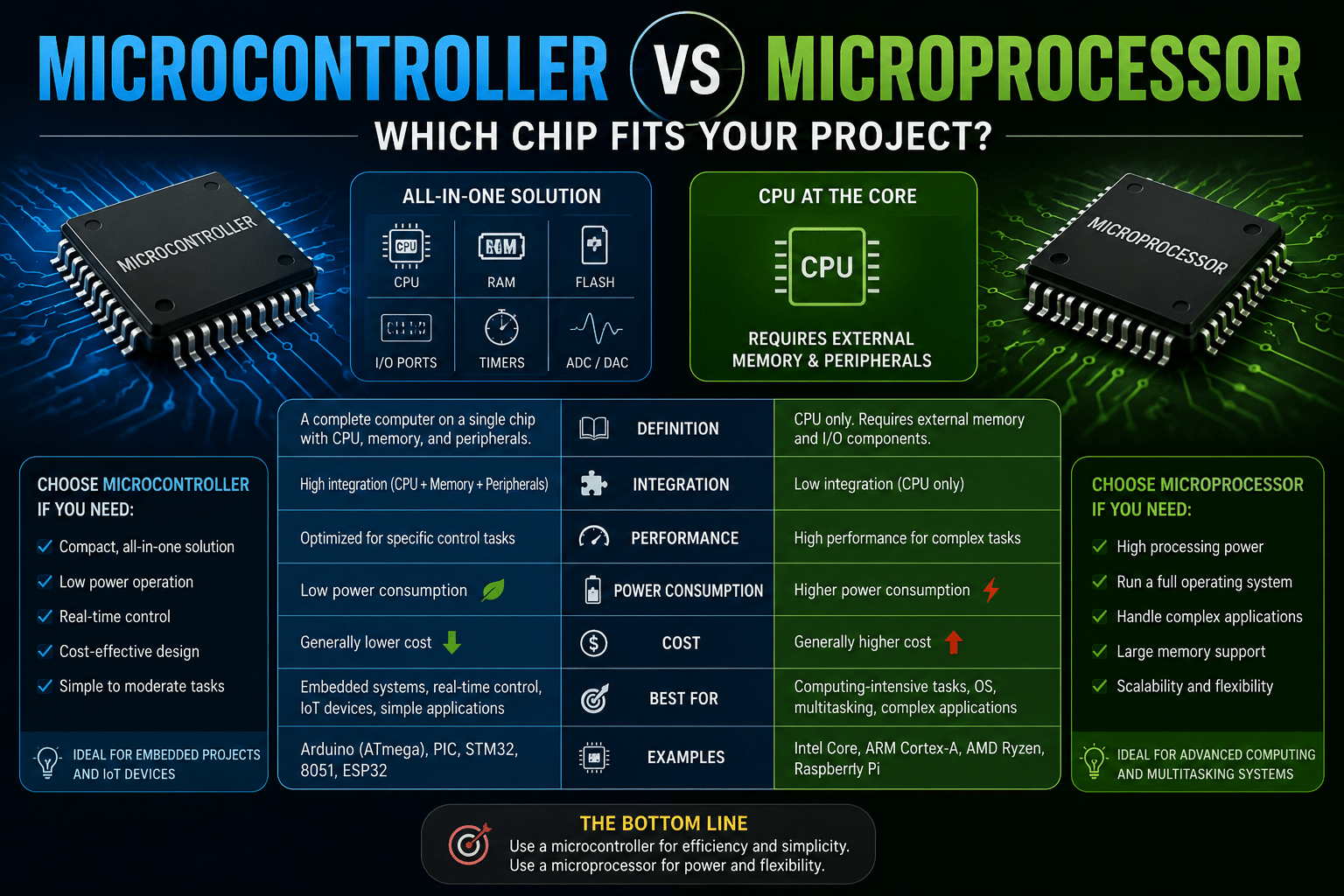
The core difference in the microcontroller vs microprocessor chip comparison is integration: a microcontroller packs the CPU, RAM, flash memory, and I/O pins onto one chip, while a microprocessor is essentially just the CPU core that needs external DRAM, flash, and power management chips to run. Choose a microcontroller for dedicated, low-power tasks like sensors or motor control, and a microprocessor when you need to run a full operating system or crunch heavy data.
So which one fits your project? The short answer: pick a microcontroller for dedicated, low-power tasks like sensors or motor control, and pick a microprocessor when you need raw computing speed for an operating system or heavy data work.
This guide breaks down the microcontroller vs microprocessor chip decision by cost, power draw, memory, and real-world use cases, so you choose right the first time.
Quick Takeaways
- Microcontrollers integrate CPU, RAM, flash, and I/O onto one single chip.
- Choose microcontrollers for low-power, dedicated tasks like sensors or motor control.
- Pick microprocessors to run full operating systems like Linux, Windows, or Android.
- Microprocessors require external DRAM, flash, and power management chips to function.
- Count support chips: fewer means microcontroller, many means microprocessor design.
Microcontroller vs Microprocessor The Quick Answer
Pick a microcontroller when your project needs to do one job reliably with low power and low cost. Pick a microprocessor when it must run a full operating system, handle a rich screen, or crunch heavy data.
That single difference decides most of the microcontroller vs microprocessor chip debate before you ever read a datasheet.
Here is the core split. A microcontroller is a single-chip microcomputer that packs the CPU, RAM, flash storage, and input/output pins onto one piece of silicon.
A microprocessor is essentially just the CPU core. It can’t work alone.
It needs external DRAM, flash, and a power management chip soldered nearby on the board.
| Trait | Microcontroller | Microprocessor |
|---|---|---|
| Memory | On-chip RAM + flash | External DRAM + flash |
| Clock speed | Tens to hundreds of MHz | Multiple GHz |
| Software | Bare-metal or RTOS | Linux, Windows, Android |
| Best for | Thermostats, ECUs, sensors | Phones, PCs, network gear |
One practical clue I rely on: count the support chips. A microcontroller design often boots from a single IC with maybe a crystal and a few capacitors.
A microprocessor board needs four or five companion parts, DRAM, flash, a power management IC, a clock source, just to power on. That hidden complexity, not the chip price, usually drives the real cost difference covered later.
What Each Chip Actually Contains Inside the Package
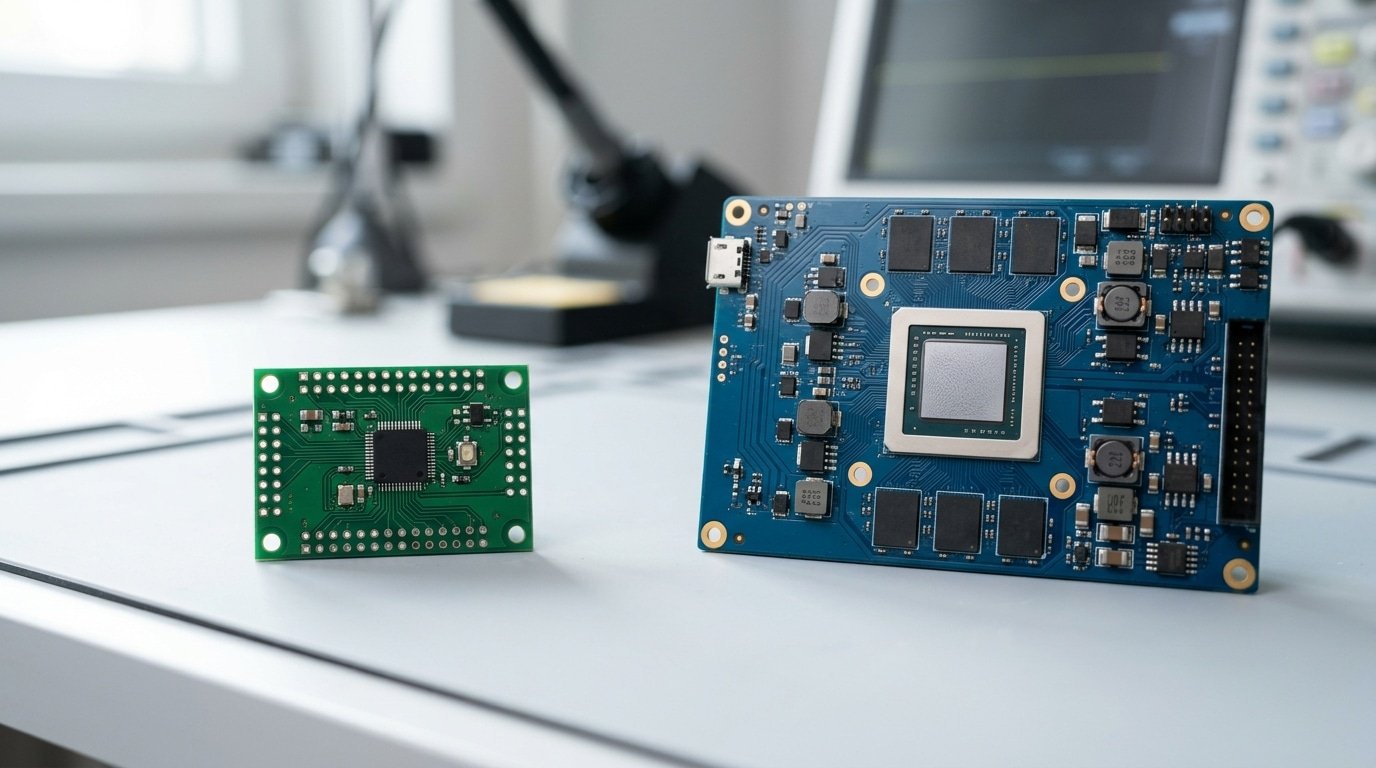
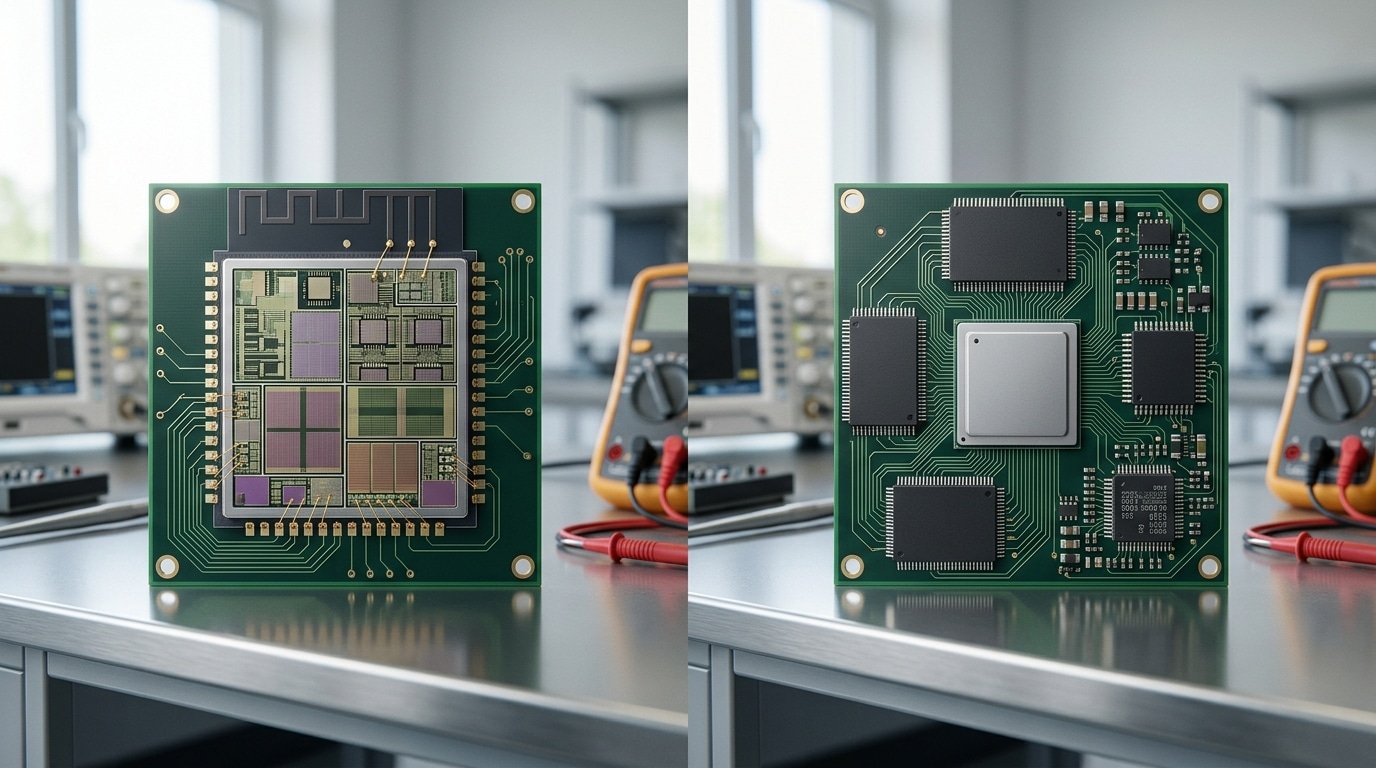
Crack open the datasheet and the difference jumps right out at you. A microcontroller is basically a whole computer squeezed onto one slice of silicon. A microprocessor, though, is just the brain that needs a body built around it.
This one packaging choice in the microcontroller vs microprocessor chip debate ends up driving every cost, power, and complexity tradeoff that follows downstream.
Take the ESP32 as an example. On a single piece of silicon it carries dual Xtensa cores, approximately 520 KB[1] of SRAM, GPIO pins, and a 12-bit ADC, which is the part that reads voltage from sensors. It also packs hardware timers plus Wi-Fi and Bluetooth radios.
A lot of ESP32 modules toss in approximately 4 MB of flash memory in that very same package. So you solder one chip and a handful of small passive parts, and then you boot it up.
A Cortex-A53 hands you almost none of that. It’s a CPU core, and that’s pretty much it.
To actually get it running, you have to add external DRAM, a separate flash or eMMC chip for storage, and a power management IC, which people call a PMIC. That PMIC generates the multiple voltage rails the core actually demands.
As IBM’s hardware guide explains, the microprocessor leans on outside memory and peripherals just to function at all.
That integration gap really decides your whole board layout. An MCU design can fit on a coin-sized circuit board.
But the high-speed DRAM connection an A53 needs forces a 6-to-10-layer board just to route the signals cleanly without errors. That’s the same layer-count jump that triples your fabrication cost, which the next section gets into.
- MCU (ESP32): CPU, SRAM, flash, ADC, timers, radios, all on one chip
- MPU (Cortex-A53): CPU core only, so you add DRAM, storage, PMIC, and a clock chip
Here’s the trap I keep watching beginners fall into. They buy a bare application processor figuring it’ll “just work” like an Arduino does. Honestly, it won’t even boot without a properly sequenced PMIC.
Power Consumption and Boot Time Compared With Real Numbers
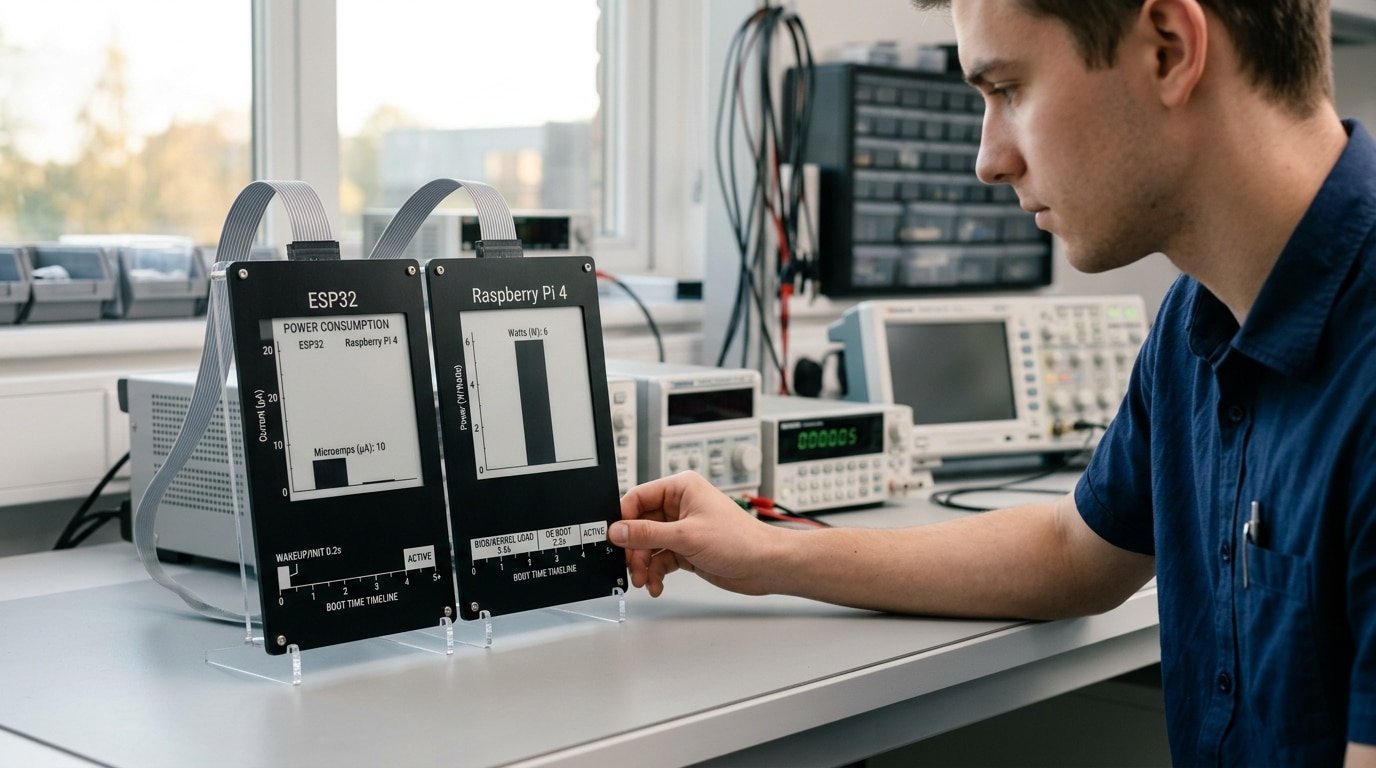
The gap is brutal. An ESP32 microcontroller sips around 10µA in deep sleep and wakes ready to run code in microseconds. A Raspberry Pi 4 draws 2.approximately 7,6W and needs 20,40 seconds to boot Linux. That single difference decides whether your battery-powered project lasts months or dies overnight.
Boot time matters more than people expect. A microcontroller runs bare-metal code or a lightweight RTOS, so it executes the first instruction almost instantly after power-up.
A microprocessor must load a full operating system from storage, mount filesystems, and start services. For a device that wakes once a minute to read a sensor, those 30 seconds of boot drain your battery before you measure anything.
| State | ESP32 (microcontroller) | Raspberry Pi 4 (microprocessor) |
|---|---|---|
| Deep sleep | ~10µA | No true deep sleep; ~0.5–approximately 1W[2] standby |
| Idle, OS/loop running | ~20–30mA (Wi-Fi off) | ~approximately 2.7W |
| Active, full load | ~160–260mA (Wi-Fi TX) | ~approximately 6W under CPU stress |
| Cold boot to ready | Microseconds | 20–40 seconds (Linux) |
Run the math for a battery project. A approximately 2000mAh[3] cell powering an ESP32 that sleeps at 10µA and wakes for approximately 200ms every minute can survive over a year.
The same battery wouldn’t power a Raspberry Pi 4 for a single day. That is the real meaning of the microcontroller vs microprocessor chip choice for anything portable.
One field trick: cut Wi-Fi radio time, not CPU speed. At 160,260mA in transmit, the radio dominates active-state current, so batching transmissions saves more energy than clock throttling.
Performance and Real-Time Behavior Where Each Wins
Raw speed and timing precision are really two completely different things. A microprocessor beats a microcontroller when it comes to how much work it can push through. But a microcontroller wins on timing you can actually trust. That one difference decides most projects, honestly.
On a bare-metal MCU, when an interrupt fires, your code responds in a fixed number of clock cycles. Take an ARM Cortex-M4 running at approximately 168 MHz. It enters an interrupt handler in 12 cycles, which is about 71 nanoseconds, and it does that every single time without fail.
No surprises at all. This predictable behavior is called deterministic interrupt latency, meaning the chip reacts within a known, bounded amount of time.
An MPU running Linux just can’t promise that. Even a chip running at gigahertz speeds uses a scheduler that juggles dozens of processes at once. Plus there’s memory paging and cache misses to deal with.
Standard Linux isn’t a real-time operating system, so the delay can jump from microseconds to milliseconds without any warning at all. The PREEMPT_RT patch shrinks that wobble in timing quite a bit, though it never really matches the certainty you get from bare-metal.
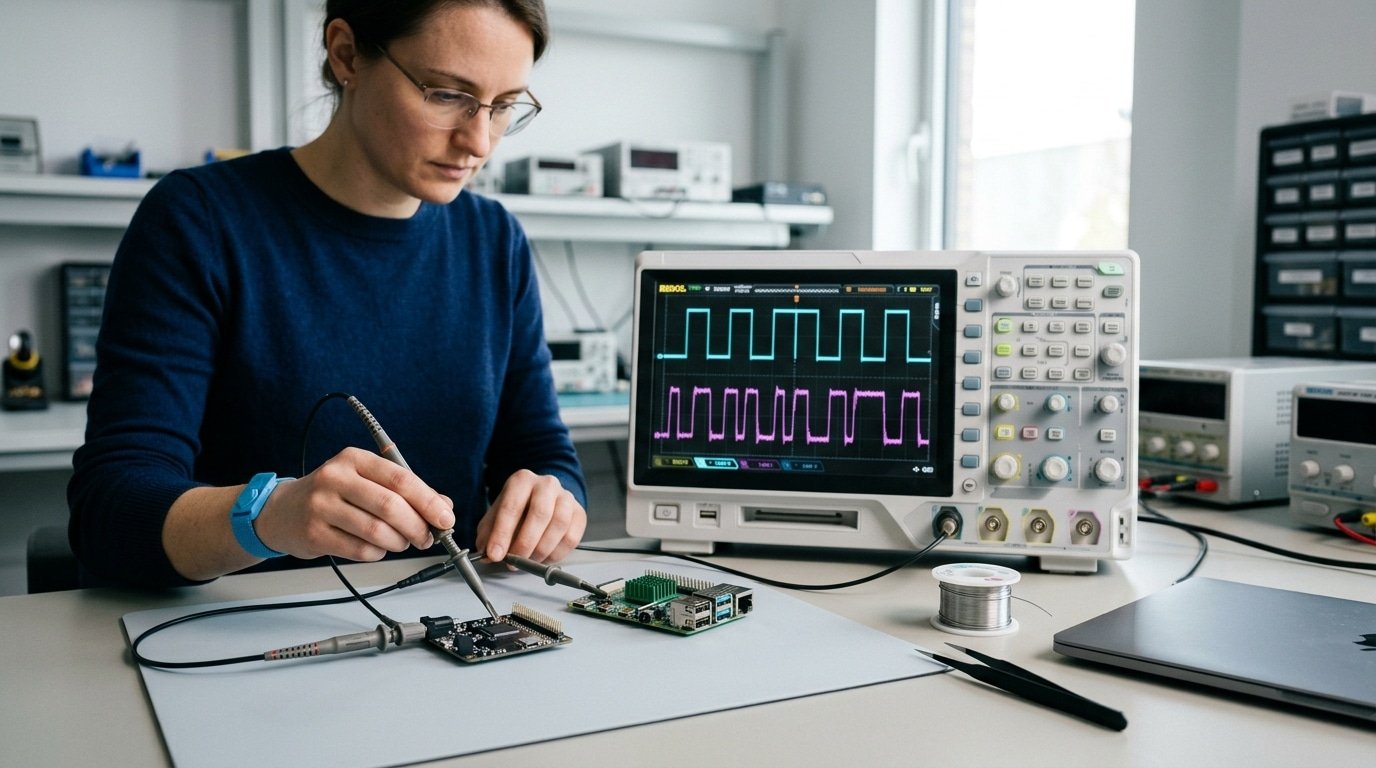
Here’s where the practical limit shows up. Try to toggle a GPIO pin, which is basically a single input or output connection, at an exact approximately 1 MHz[4] rate from a Linux user-space program. You’ll see jitter of several microseconds, and the waveform wobbles.
The kernel interrupts your loop whenever it feels like it. Meanwhile a approximately $2 microcontroller flips that same pin rock-steady, simply because nothing else is competing for the processor.
So where does an RTOS fit into the microcontroller vs microprocessor chip debate? An RTOS like FreeRTOS runs on an MCU when you need to manage several tasks but still want timing you can count on.
It hands you task priorities without giving up the microsecond predictability that hard real-time control really demands.
Pick deterministic MCUs for motor control, sensor sampling, and safety loops. Pick MPUs when raw computing power, video, or networking matters more to you than exact timing does.
Total Cost and Board Complexity Beyond the Chip Price
The chip price lies to you. A microprocessor that costs approximately $10 can balloon into a approximately $40 board once you add everything it needs to run.
A approximately $3[5] microcontroller often works on a bare two-layer PCB with almost nothing around it. That single difference shapes your budget, your schedule, and your stress level.
Here is why the bill of materials (BOM, the full list of parts on a board) explodes with an MPU. The chip has no built-in memory, so you bolt on external parts:
- DDR RAM — fast working memory, usually approximately $3–$8, and it demands tricky high-speed routing
- eMMC or NAND flash — storage for the operating system, another approximately $2–$6
- PMIC (power management IC) — feeds the multiple voltage rails an MPU needs, approximately $1[6]–approximately $3
- Crystal, decoupling caps, level shifters — small parts that add up fast
Then comes the hidden cost: the PCB itself. DDR memory runs so fast that traces must be length-matched and impedance-controlled, meaning the copper widths are tuned to exact electrical values. That pushes you from a cheap 2-layer board to a 6-layer impedance-controlled stackup, often tripling fabrication cost per board.
The microcontroller vs microprocessor chip choice therefore decides far more than silicon spend. 2026 design guides note total system cost stays lower for MCUs because on-chip memory and peripherals cut external parts and board area.
Schedule matters too. A bare-metal MCU board can go from idea to working prototype in days. A Linux-class MPU board needs DDR signal verification, a bring-up team, and a board support package, which routinely adds weeks. Skip the MPU unless your software genuinely requires it.
The Blurry Middle Ground SoCs and Application Processors
The old wall between microcontroller vs microprocessor chip has cracked. Modern parts sit squarely in the middle. A Raspberry Pi Pico runs an RP2040 microcontroller with no operating system, while a Raspberry Pi 5 runs full Linux on an application processor. Same brand, two completely different worlds.
The RP2040 packs two Arm Cortex-M0+ cores at approximately 133MHz with approximately 264KB of on-chip SRAM. It boots in milliseconds and runs bare-metal code or a lightweight RTOS like FreeRTOS. No external DRAM. No Linux. That’s a textbook microcontroller.
The ESP32-S3 blurs things further. It runs at approximately 240MHz[7], adds Wi-Fi and Bluetooth, and supports up to 8MB of PSRAM. That extra memory lets it run heavier tasks, even small machine-learning models, while staying in microcontroller territory.
Then come MPU-class System-on-Chips. An NXP i.MX 8 or a Texas Instruments AM62 packs an application processor that needs external LPDDR4 RAM but integrates GPUs, video codecs, and gigabit Ethernet on one die.
These chips run full operating systems like Linux or Android, which a true microcontroller can’t do well.
The practical test? Ask whether the chip has on-chip RAM big enough to run your code alone. Under 1MB usually means a microcontroller. Needing external DRAM means you crossed into application-processor land. The System-on-Chip definition covers both, which is exactly why the label confuses people.
Stop sorting chips into two boxes. Sort them by memory model and OS capability instead.
The Decision Flowchart Pick the Right Chip for Your Project
Start with one question: does your project need an operating system, a file system, or a networking stack? If yes, pick a microprocessor (MPU).
If no, and you care about low power, low cost, or hard real-time timing, pick a microcontroller (MCU). That single fork resolves most cases in the microcontroller vs microprocessor chip debate.
Use this if-then logic to narrow it down fast:
- If you must run Linux, Android, or a browser → then MPU. 2026 design guidance ties feature-rich OSes, complex UIs, and heavy networking to MPUs.
- If you need a guaranteed response within microseconds (a motor must react before the rotor slips) → then MCU. Bare-metal or an RTOS gives deterministic timing an OS scheduler can’t.
- If battery life is measured in years → then MCU. Deep-sleep current in the µA range is impossible on a Linux MPU.
- If you process video frames or run a multi-layer neural network → then MPU or a SoC with an NPU.
Map common projects to a chip class:
| Project type | Recommended chip | Why |
|---|---|---|
| Wireless sensor node | MCU (ESP32, STM32L0) | µA sleep current, sub-approximately $2 BOM |
| BLDC motor controller | MCU with PWM + ADC | Hard real-time loop under 50µs |
| IP camera | MPU/SoC | H.264 encode, Linux drivers |
| Edge AI vision | SoC with NPU | Tensor math at watts, not joules |
One trap: don’t pick an MPU just because the chip costs approximately $10[8]. Add DRAM, flash, and power management and the board can hit approximately $40. For single-purpose devices, the MCU usually wins on every metric that ships in volume.
Common Mistakes Engineers and Hobbyists Make Choosing Between Them
The biggest blunder is reaching for a microprocessor when a microcontroller would finish the job for less money and less grief. Most bad chip choices in the microcontroller vs microprocessor chip debate come from four habits: over-speccing, ignoring boot time, forgetting sleep current, and chasing gigahertz.
Over-speccing a Linux board for a blinking-light task
A Raspberry Pi 4 to read one temperature sensor? People do it constantly.
That board needs a full SD card image, a approximately 5V/3A supply, and draws around 600mA at idle. An ESP32 or STM32 does the same sensor read for under $3[9] and a coin-cell budget.
You pay in heat, cost, and an SD card that corrupts when power drops.
Underestimating Linux boot time in safety loops
Linux on an application processor can take 15,40 seconds to boot to userspace. Put that chip in an airbag controller or motor cutoff, and your “instant” safety reaction arrives half a minute late.
Real-time control belongs on bare-metal code or an RTOS, as 2026 embedded design guides repeatedly warn. Watchdog resets become a nightmare too: a hung kernel may need 30 seconds to recover, while an MCU restarts in milliseconds.
Ignoring sleep current on battery projects
Hobbyists size batteries from active current and forget sleep. A device awake approximately 0.1% of the time lives or dies by its deep-sleep draw. Skip the datasheet’s microamp spec and your “two-year” sensor dies in three weeks.
Assuming more GHz means better
A approximately 1.8GHz processor that misses interrupt deadlines loses to a approximately 80MHz[10] microcontroller with hardware timers. Throughput isn’t timing. Clock speed sells chips; deterministic response ships products.
Frequently Asked Questions
Short answers to the questions engineers actually type into search before picking a chip.
Can a microcontroller run Linux?
Almost never. A classic microcontroller has kilobytes of RAM, while Linux needs roughly 8MB minimum and a memory management unit (MMU, the hardware that maps virtual memory).
Most MCUs lack an MMU entirely. The exception: Cortex-A-class parts blur the line.
For real control work, stick to bare-metal code or an RTOS instead.
Is the ESP32 an MCU or MPU?
The ESP32 is a microcontroller. It packs CPU, RAM, flash, Wi-Fi, and Bluetooth onto one chip and runs FreeRTOS, not Linux. It feels powerful, but it has no MMU and no external DRAM bus, which keeps it firmly in MCU territory.
Which is cheaper?
The microcontroller wins on total cost. On-chip memory and peripherals cut your bill of materials and PCB area. A microprocessor needs external DRAM, flash, and power chips that often double the board cost.
Can both chips work together in one product?
Yes, and it’s common. A drone might use a microprocessor for the camera and navigation while a microcontroller handles motor timing.
This split is the core of the microcontroller vs microprocessor chip decision: pair an MPU for the brains with an MCU for hard real-time tasks. The two talk over SPI or UART.
Choosing With Confidence Your Next Step
Three rules settle most decisions. Need deterministic timing under 10mW? Pick a microcontroller. Need to run Linux, Android, or a touchscreen UI? Pick a microprocessor. Stuck in between on cost? Add up the full bill of materials, not the chip price, then choose the cheaper finished board.
Rule one is power. A battery sensor running for years on a coin cell has no business hosting an operating system.
Rule two is cost. The single-chip integration of a microcontroller cuts external DRAM, flash, and power-management parts, which is why 2026 design guidance puts microcontroller total system cost well below comparable microprocessor boards.
Rule three is the OS. If your app needs a file system, networking stack, or video decode, the microprocessor wins despite its complexity.
Here is the part beginners skip: never commit to a final part number from a datasheet alone. Buy a dev board and prove your assumptions first.
- ESP32 DevKit (~approximately $8) — test Wi-Fi, deep-sleep current, and RTOS timing before locking a microcontroller.
- Raspberry Pi 5 (~approximately $60) — test Linux services, GPU load, and boot time before committing to a microprocessor SoC.
The microcontroller vs microprocessor chip choice rarely fails on paper. It fails in week three, when real firmware hits a memory wall or a timing jitter you never simulated.
Prototype, measure your actual current draw and latency, then order the production part. That single habit has saved more projects than any spec sheet ever printed.
Your next move is simple. Wire up one board this week.
References
- [1]ibm.com
- [2]wevolver.com
- [3]totalphase.com
- [4]aws.amazon.com
- [5]microtype.io
- [6]logic-fruit.com
- [7]sathyabama.ac.in
- [8]tutorialspoint.com
- [9]allpcb.com
- [10]reddit.com