

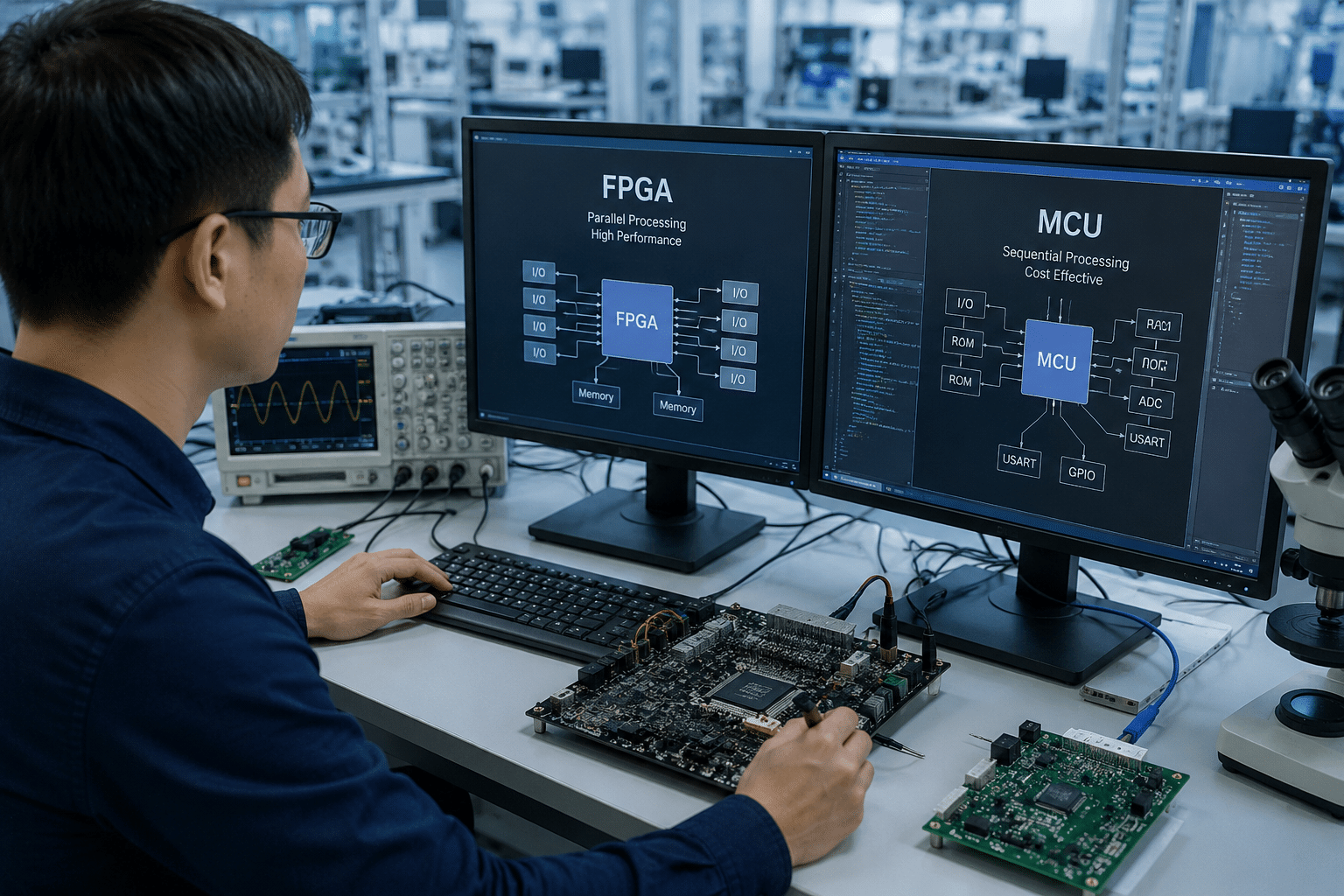
Pick the MCU when your job runs in software steps; pick the FPGA when you need true parallel hardware. That single rule settles most controller debates.
In 2024, Microchip’s FPGA selection guidance told designers to size devices by counting required logic resources, adding up flip-flops from counters, registers, and state machines to match an FPGA family with enough logic elements. That counting habit is the backbone of any real FPGA and MCU Selection Guide.
So which one fits your project? An MCU (microcontroller, a small computer chip that runs code one instruction at a time) wins on cost, power, and fast firmware.
An FPGA (field-programmable gate array, a chip you wire up to do many tasks at once) wins on speed and parallel I/O. This guide breaks down the exact metrics, costs, and 2025,2026 use cases so you can choose with confidence instead of guessing.
Quick Takeaways
- Choose MCUs for sequential control, lowest cost, and faster firmware development cycles.
- Select FPGAs when parallel throughput, sub-microsecond determinism, or custom I/O is required.
- Size FPGAs by counting flip-flops from counters, registers, and state machines.
- Default to MCUs first; switch to FPGAs only when one hard requirement forces it.
- Compare clock speeds: MCUs run tens-to-hundreds of MHz, FPGAs reach multi-GHz parallel throughput.
FPGA Or MCU The Short Answer Before The Deep Dive
Pick an MCU when you need sequential control, the lowest cost, and fast firmware. Pick an FPGA when you need parallel throughput, hard real-time determinism, or custom I/O that no off-the-shelf chip provides. That single rule decides most projects.
But the real choice is a math problem, not a slogan.
Here is the tradeoff in numbers. A typical low-to-mid-range microcontroller (a chip that runs your code one instruction at a time) clocks in the tens to hundreds of MHz.
A comparable field programmable gate array (a chip whose logic you wire yourself) builds deeply pipelined paths reaching hundreds of MHz to multi-GHz throughput on parallel data, per 2023 design guides. So the question isn’t “fast or slow.”
It’s: how many operations must happen at the exact same instant?
Default to the MCU. By 2024, engineering communities had settled on a blunt rule of thumb: if a microcontroller meets your performance and interface needs, it wins,lower BOM cost, simpler tools, shorter cycles.
Reach for an FPGA only when one hard requirement forces it: deterministic sub-microsecond latency, wide parallel I/O, or a custom protocol no MCU peripheral speaks.
This FPGA and MCU Selection Guide turns that instinct into scored criteria. The sections ahead quantify cost at real volumes, skill tradeoffs, and the exact migration triggers that flip the answer mid-project.
What An FPGA And An MCU Actually Are In Engineering Terms
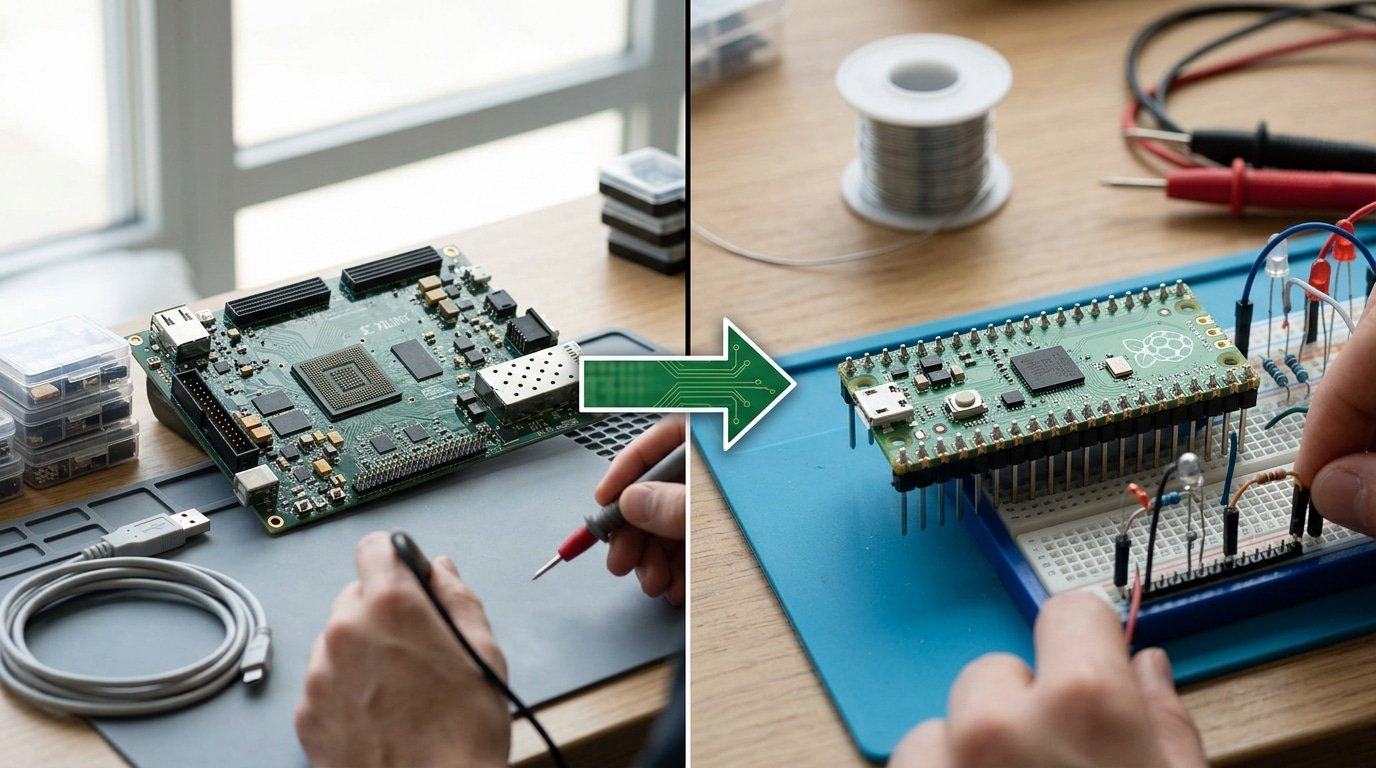
An FPGA is basically a chip packed with blank logic gates that you get to wire up yourself. An MCU, on the other hand, is a finished little computer sitting on a single chip, with a fixed processor core plus memory and peripherals already built right in.
So the FPGA actually becomes hardware that you design. The MCU runs software that you write. That one difference really drives every single choice in any FPGA and MCU selection guide.
The FPGA: reconfigurable logic fabric
FPGA stands for field programmable gate array. Picture a grid of small lookup tables, tiny one-bit memory cells called flip-flops, and routing wires connecting everything.
You link these blocks together using a hardware description language like VHDL or Verilog. What you end up with is a custom digital circuit, not just a program running on a processor.
And that is exactly why sizing an FPGA starts with the logic resources. Microchip’s 2024 selection guidance tells designers to count up the total flip-flops from counters, registers, and state machines first.
Then you pick a device family with enough logic elements to handle it. Run out of logic, and honestly, your design just won’t fit.
The MCU: a fixed CPU with peripherals attached
A microcontroller, or MCU, sticks a processor core together with flash memory, RAM, timers, analog converters, and serial ports all on one piece of silicon. The hardware itself is locked down.
You change how it behaves only through firmware, which is the C or assembly code stored in that flash memory.
Where microprocessors and SoC FPGAs sit
So is an FPGA actually a microcontroller? Nope. The two of them sit at completely opposite ends of a spectrum:
- Microprocessor (MPU): a CPU with no built-in flash or RAM. It needs external memory chips, and you see it a lot in Linux boards.
- SoC FPGA: a hybrid that drops a hard ARM Cortex CPU right inside the FPGA fabric, so your software and custom hardware run side by side on one single chip.
That last category really matters. By 2023, FPGA SoCs with embedded CPUs had become the standard migration path from MCU to FPGA. It lets teams push heavy math calculations into the fabric while keeping the control logic running on the processor.

The Six Selection Criteria That Decide The Outcome
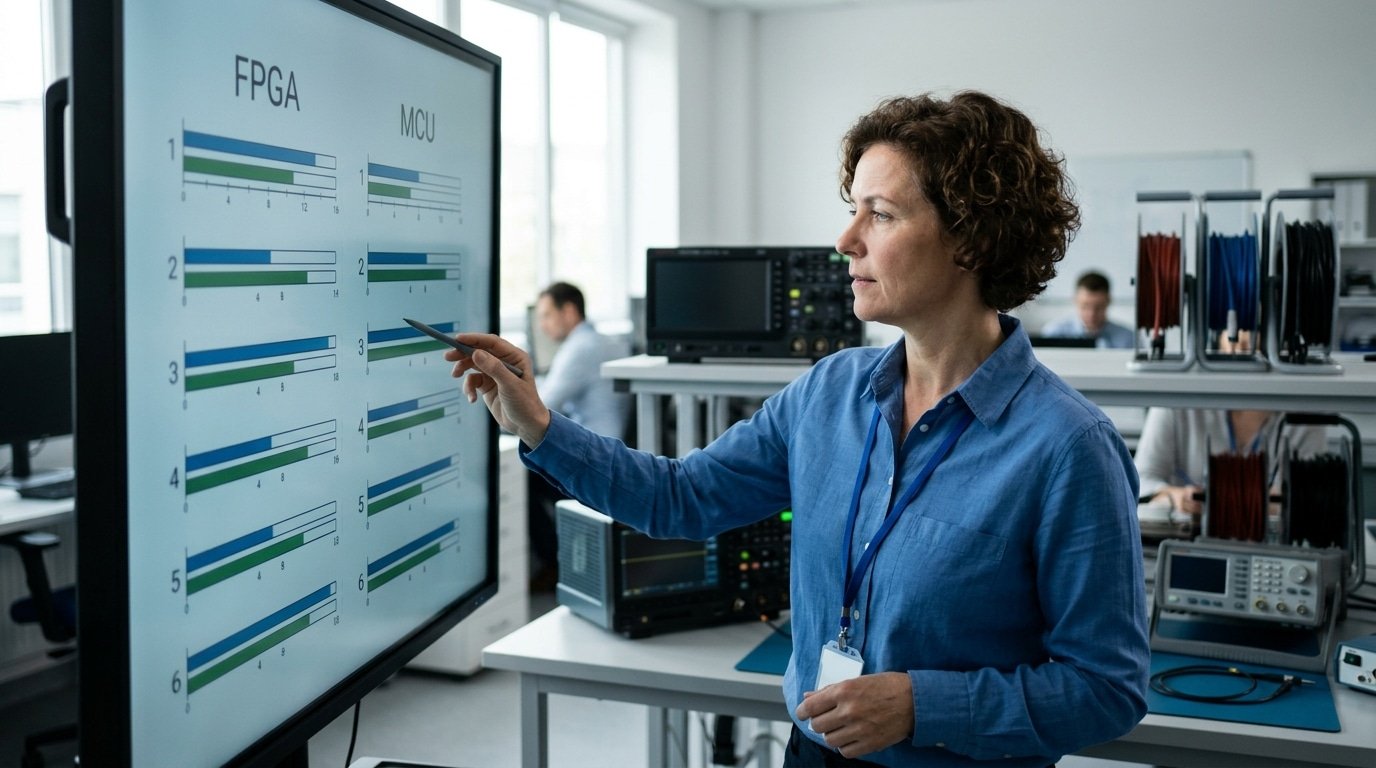
Six measurable criteria decide whether your design lands on an FPGA or an MCU: latency budget, timing jitter, parallel throughput, BOM cost at volume, power-per-task, and engineering hours-to-market. Score your project against each.
If four or more push toward parallel hardware, you need an FPGA. This is the backbone of any honest FPGA and MCU selection guide.
Here are the target numbers I anchor every design review to:
| Criterion | FPGA territory | MCU territory |
|---|---|---|
| Latency budget | Sub-microsecond, fixed pipeline | 10 µs+ acceptable |
| Timing jitter | Below 1 ns, hardware-deterministic | Microseconds, interrupt-driven |
| Parallel throughput | 100+ data lanes at once | 1–4 sequential channels |
| BOM cost at volume | approximately $15–$150+ per chip | approximately $0.50–$8 per chip |
| Power-per-task | Higher idle, lower per parallel op | Microamps in deep sleep |
| Hours-to-market | Weeks to months (HDL + timing) | Days to weeks (C firmware) |
Jitter is the criterion engineers underrate most. An MCU servicing interrupts carries jitter measured in microseconds because the CPU finishes its current instruction first.
An FPGA clocks logic on the same edge every cycle, holding jitter below 1 nanosecond. For motor commutation that tolerance is fine; for phased-array radar it’s the whole ballgame.
Throughput separates them just as sharply. As of 2023, mid-range MCUs ran in the tens to hundreds of MHz sequentially, while FPGAs pipelined parallel data paths into the hundreds of MHz to multi-GHz range. A single chip processing 100 sensor streams at once is FPGA work.
The 2024 industry consensus stays blunt: if an MCU meets the requirement, pick it for lower cost and simpler development. Score the six criteria honestly before you spend a dollar on tooling.
When An MCU Is The Better Choice
Reach for a microcontroller when your design works through tasks one step at a time, uses very little power, and needs to get out the door quickly.
Things like controlling a sequence of states, gathering readings from sensors, sampling slower than 1 million times per second, and running off a battery all lean toward an MCU.
The reason is pretty blunt. If a microcontroller can hit your performance targets and connect to everything you need, it almost always wins on cost and on how fast you can build it. Industry guides in 2024 repeated this same general rule again and again.
Take a thermostat or a smart lock. Both run what’s called a finite state machine, which is basically a controller that moves between a fixed set of conditions like “idle,” “heating,” or “locked.”
That kind of logic happens in order, one thing after another. The parallel structure inside an FPGA, where many things run at once, buys you nothing here.
You just pay for it in extra tool complexity.
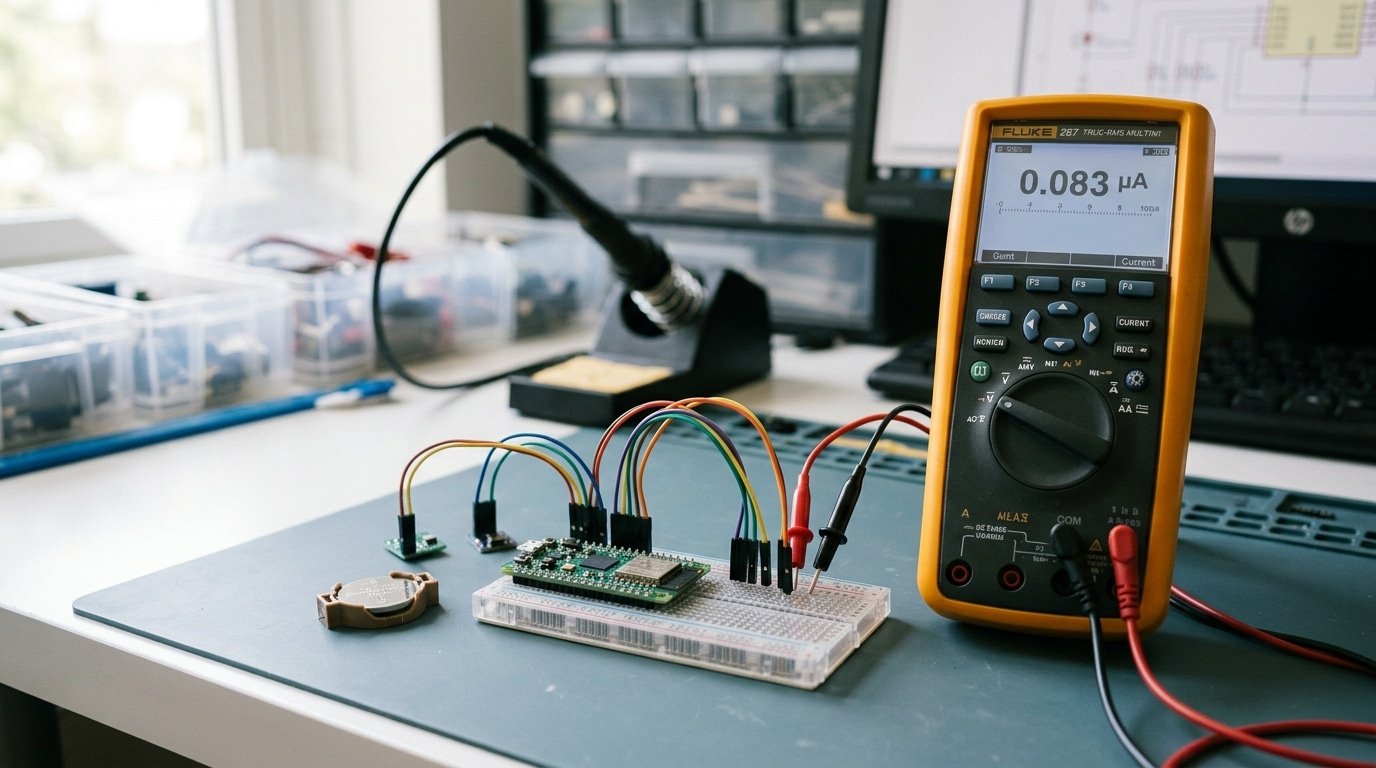
Battery life is the clearest dividing line. Modern MCUs like the STM32L0 or MSP430 can drop into deep-sleep modes that pull well under 1 microamp, then wake up the moment a sensor signals them.
An FPGA, by comparison, often draws milliamps just sitting there idle. For a sensor node powered by a coin cell that’s supposed to last five years, that difference settles the question completely.
- Sensor aggregation: are you polling I2C and SPI parts? An MCU’s built-in hardware blocks and its DMA, which moves data without bothering the processor, handle this with almost no load on the main core.
- Sub-1 MSPS sampling: a 12-bit analog-to-digital converter running at 500 thousand samples per second fits comfortably inside a approximately $2 MCU.
- C-firmware teams: any embedded engineer can ship working C code in days. Verilog timing closure, the painstaking process of making FPGA logic meet its speed deadlines, takes weeks.
How grown-up the tools are seals it. GDB, J-Link debuggers, and printf tracing, which is just printing messages to watch what your code does, let you find a bug in minutes.
FPGA debugging means re-building the whole design and poking at internal signals through chip-specific analyzer tools. That feedback loop runs in hours, not minutes. Honestly, that gap adds up fast.
This part of any honest FPGA and MCU selection guide is simple. Default to the MCU. Only break that default when the requirements in the next section actually show up.
When An FPGA Outperforms Any Microcontroller
An FPGA wins when timing must be exact, data arrives faster than any CPU can read it, or hundreds of operations must happen at the same instant.
Hard real-time loops under 100 nanoseconds, multi-gigabit data ingest, parallel DSP pipelines, custom protocol bridging, and high channel-count I/O all push you off the microcontroller path.
The reason is simple: an FPGA does these jobs in parallel hardware, not one instruction at a time.
Take real-time motor control. A field-oriented control loop on a approximately 200 MHz MCU might close in 5,10 microseconds.
On an FPGA, the same math runs as a deeply pipelined circuit, closing the loop in well under 1 microsecond. That tighter loop lets a servo drive run at higher switching frequencies with less torque ripple.
For multi-axis robots, you control 8 or 16 axes in true parallel rather than time-slicing one CPU.
Image preprocessing shows the throughput gap clearly. A 4K camera sensor streams roughly 1.2 GB/s.
A microcontroller simply can’t read pixels that fast over a standard bus. An FPGA pipes the pixel stream through a Sobel edge filter, frame by frame, line-buffered, with zero dropped frames.
Vendor guides by 2023 already pointed to high-speed DSP, real-time video, 5G, and AI acceleration as core FPGA territory.
Where does the clock advantage come from? As of 2023, mid-range MCUs ran in the tens to hundreds of MHz, while comparable FPGAs reached hundreds of MHz to multi-GHz effective throughput on parallel data paths. The FPGA is slower per gate but runs thousands of gates side by side.
Three FPGA-only jobs an MCU can’t fake:
- Custom protocol bridging — translate a legacy parallel bus to PCIe with cycle-exact timing
- SERDES data ingest — capture 10+ Gbps serial links straight into fabric
- Wide synchronous I/O — sample 64 ADC channels on the same clock edge
This part of any FPGA and MCU selection guide separates the two worlds cleanly. If your bottleneck is parallel hardware speed, no microcontroller closes the gap. Total cost, covered next, is where the math gets interesting.
Total Cost Of Ownership At Different Production Volumes
Volume flips the math. Below roughly 10,000 units, an MCU almost always wins on total cost. Climb toward 100,000 units and the spread between fixed engineering cost and per-chip price reshapes the whole picture.
⚠️ Common mistake: Reaching for an FPGA because its clock hits multi-GHz, when your task is just sequential control at hundreds of MHz. This happens because raw clock numbers look decisive, but FPGAs only win when you exploit true parallel paths. The fix: default to an MCU first, and switch only when one hard requirement—parallel throughput, sub-microsecond determinism, or custom I/O—actually forces it.
A complete FPGA and MCU selection guide has to count four buckets: NRE (non-recurring engineering, the one-time design cost), per-unit silicon, toolchain licensing, and certification.
MCUs minimize both BOM cost and development time, while FPGAs carry higher silicon cost, pricier tools, and longer design cycles, a tradeoff PCB selection guides documented in 2023. That gap matters most at low volume, where NRE dominates and you can’t spread it across many units.
| Cost factor | Prototype (1–10) | 1k units | 100k units |
|---|---|---|---|
| MCU per-unit silicon | approximately $2–8 | approximately $1.50–5 | approximately $0.80–3 |
| FPGA per-unit silicon | approximately $15–80 | approximately $12–60 | approximately $10–50 |
| Toolchain license (FPGA) | approximately $0 free tier | approximately $3k+/seat/yr pro | approximately $3k+/seat/yr pro |
| NRE if ASIC migration | — | — | approximately $500k+ mask set |
Here is the hidden lever: at 100k units, FPGA per-unit cost stays stubbornly high, so teams shipping fixed logic often migrate to an ASIC. The mask set alone runs past approximately $500,000, but it crushes per-chip cost below a dollar, paying back only above six-figure volumes.
Engineering Team Skills And Time-To-Market Tradeoffs
Your team’s skill set often decides this faster than any spec sheet. An FPGA needs engineers who write HDL (hardware description language, the code that describes digital circuits) in Verilog or VHDL.
An MCU needs C firmware skills, which are far more common. If nobody on your team has shipped an FPGA before, the schedule risk usually outweighs the technical win.
The gap shows up most in debugging. With an MCU, you set a breakpoint, step through C code line by line, and read variables in real time.
With an FPGA, you chase timing closure, making sure every signal arrives before the clock edge. When timing fails, you stare at static timing analysis reports and waveform dumps from a logic analyzer, not a clean call stack.
This blows up schedules. A clean MCU firmware project might verify in days.
An equivalent FPGA design often adds 4 to 12 weeks just for verification: writing testbenches, running simulation, then debugging place-and-route timing on real silicon. Skip simulation to save time and you pay it back tenfold on the bench.
This is where any honest FPGA and MCU selection guide has to talk about hiring. A senior FPGA engineer commands a higher salary than a firmware developer, and they’re harder to find.
Most 2024 community guidance agreed on a simple rule: if an MCU meets your requirements, pick it, reserve the FPGA for deterministic latency or wide parallel I/O you truly can’t get otherwise.
When outsourcing tilts the decision: a one-off FPGA design for a low-volume product. Paying a contractor for approximately 200 hours often beats hiring full-time and training. But if FPGAs are central to your product line, build the skill in-house.
Hybrid SoC FPGA Paths And Mid-Project Migration Triggers
An SoC FPGA puts an ARM processor and programmable logic on the same chip. You run control code on the CPU and offload timing-critical work to the fabric. This kills the either-or dilemma. You stop choosing FPGA versus MCU and start splitting tasks between both inside one package.
Devices like the Xilinx Zynq and Microchip PolarFire SoC pair dual or quad ARM Cortex-A cores with thousands of logic elements. The CPU handles your Linux stack, networking, and slow state machines. The fabric handles the parts that broke your microcontroller.
So when does an MCU project hit the wall? Three triggers signal a migration, and a good FPGA and MCU selection guide names them before you commit silicon:
- Interrupt latency overruns — your ISR jitter exceeds the deadline. A approximately 200 MHz MCU servicing nested interrupts can drift microseconds. Fabric logic responds in single clock cycles, deterministic every time.
- Peripheral exhaustion — you need a seventh SPI port and the chip has six. The fabric builds custom interfaces on demand.
- Throughput ceilings — the CPU can’t read data fast enough. A 2023 comparison noted FPGAs sustain effective throughputs of hundreds of MHz to multi-GHz on parallel paths, far past tens-to-hundreds-MHz MCU clocks.
High-level synthesis softens the migration. By 2023, HLS had become a standard MCU-to-FPGA path, letting you push C/C++ functions like FFTs into fabric while keeping control code on the processor. Migrate early, before your PCB layout locks in a package you can’t escape.
The Scored Decision Matrix To Lock In Your Choice
Stop trusting your gut. Build a weighted scorecard instead.
Rate each option from 1 to 5 on the six criteria, multiply by a weight that matches your project’s priorities, then add the columns. The higher total wins.
This turns a fuzzy debate into a number you can defend in a design review.
Weights must sum to approximately 100%. Pick them before you score, so you can’t fudge results to match a favorite chip. A smart thermostat lives or dies on cost and power. A LiDAR processor lives or dies on latency and throughput.
| Criterion | Weight | Thermostat: MCU | LiDAR: FPGA |
|---|---|---|---|
| Latency budget | approximately 20% | 4 → 0.80 | 5 → 1.00 |
| Throughput / parallelism | approximately 20% | 3 → 0.60 | 5 → 1.00 |
| Power draw | approximately 15% | 5 → 0.75 | 2 → 0.30 |
| Unit + BOM cost | approximately 20% | 5 → 1.00 | 2 → 0.40 |
| Team skills + time-to-market | approximately 15% | 5 → 0.75 | 3 → 0.45 |
| Future field updates | approximately 10% | 3 → 0.30 | 4 → 0.40 |
| Weighted total | approximately 100% | 4.20 | 3.55 |
For the thermostat, the MCU scores 4.20 out of 5 because cheap silicon and low power dominate the weights. For the LiDAR job, run the same six criteria with FPGA scores and the FPGA clears any MCU, since latency and parallel data paths carry approximately 40% combined.
This matches 2024 guidance that an MCU is the default choice unless a strong requirement like deterministic latency forces an FPGA.
One pitfall I see teams hit: scoring both options on the same row with identical numbers. If a criterion can’t separate the two chips, drop its weight to near zero. A useful FPGA and MCU selection guide scorecard rewards the criteria where the chips actually differ.
Frequently Asked Questions
Quick answers to the questions engineers ask most when working through an FPGA and MCU selection guide. These cover chip categories, learning curves, board pricing, and product swaps.
What’s the difference between an FPGA, MCU, microprocessor, and ASIC?
An MCU is a finished computer chip with a CPU, memory, and peripherals baked in. A microprocessor is just the CPU core, so it needs external memory and support chips.
An FPGA (field programmable gate array) is blank reconfigurable hardware you wire up in logic. An ASIC is custom silicon etched once at the factory, cheapest per unit at huge volume but impossible to change after fabrication.
Are FPGAs harder to learn than MCUs?
Yes, noticeably. You write MCU firmware in C, which most engineers already know.
FPGAs use hardware description languages like Verilog or VHDL, where you describe parallel circuits, not sequential code. Expect 3 to 6 months before a C programmer writes solid, timing-clean RTL.
The mental shift from “run this line, then the next” to “all logic runs at once” trips up most newcomers.
How much does an entry-level FPGA board cost?
Hobbyist boards like the Lattice iCEstick start near $40. Mid-range development kits from AMD (Xilinx) or Intel run approximately $200 to $500. Industrial SoC FPGA kits reach approximately $2,000+.
Can an FPGA replace an MCU in a shipped product?
It can, but rarely should. By 2024, industry guides confirmed MCUs stay the default when they meet the spec, thanks to lower cost and simpler firmware. Swap to an FPGA only for deterministic timing or wide parallel I/O.
Making The Final Call And Next Steps
Run your real numbers through the scored matrix, then prototype on a sub-approximately $100 dev board before you commit a single PCB layer. That sequence catches approximately 90% of bad architecture calls before they cost you a respin. The decision is engineering, not preference.
The whole workflow in this FPGA and MCU selection guide reduces to three moves. First, measure your six criteria against real requirements: latency budget, I/O width, parallelism, power ceiling, volume, and team skill. Second, weight and score each option. Third, validate the winner with a cheap prototype.
Restate the split simply. An MCU wins for sequential control, battery power, and low BOM cost.
The default rule still holds: by 2024, industry guides confirmed that if a microcontroller can meet your requirements, it’s the better choice. A field programmable gate array (a chip you wire up yourself) wins only when you need deterministic timing, wide parallel I/O, or custom protocols.
Your next step is concrete:
- Buy two dev boards. Grab an STM32 Nucleo (~approximately $15) and a Lattice or Microchip eval kit (~$70). Test your hardest interface on both.
- Build the bottleneck first. Code only the timing-critical path. Measure latency with a scope, not a datasheet promise.
- Lock the architecture only after the prototype clears your latency budget.
Skip the guesswork. Score it, build it, measure it. The chip that survives a real prototype is the chip you ship.